
Best Mini PCs Under $600 in 2026
4 picks from $200 to $550, ranked objectively by hardware quality — not affiliate bonuses. One machine has a faster CPU, faster GPU, and a Copilot+ AI chip for $60 less than you’d expect.
Genuine Performance Gains — Two Distinct Tiers
The $200–$600 range in 2026 contains two very different types of machine. At $489–$550, Zen 5 mini PCs with 32GB LPDDR5X and RDNA 3/3.5 iGPUs deliver real desktop-class performance: 12-core CPUs at 5.1 GHz, 1080p gaming, local AI at 30–40 tokens/sec, and full Copilot+ certification. At $200–$229, Intel N150 efficiency machines handle office tasks, 4K media, and homelab networking at 6W — for a third of the price.
This guide ranks all four picks purely by objective hardware quality — not by commission rates. The Beelink SER9 Pro AI ranks first because it factually has the fastest CPU, fastest iGPU, and only Copilot+ NPU in this price bracket, for $60 more than the #2 pick. If that reasoning surprises you compared to other rankings, this is why.
Real-World Use Cases by Tier
1080p Gaming (Zen 5 picks only)
Radeon 890M (SER9 Pro AI) runs CS2 at ~85–100 fps, Fortnite at 60–80 fps. Radeon 780M (BOSGAME M4) is ~30% slower but still very capable for esports. N150 machines cannot game meaningfully.
Local AI — LM Studio / Ollama (Zen 5 picks only)
SER9 Pro AI (Radeon 890M, Vulkan): Mistral 7B at 30–40 t/s, Qwen3 14B at 18–25 t/s. BOSGAME M4 (780M): 18–25 t/s on 7B. N150 machines: 5–8 t/s CPU-only, impractical.
Office & Heavy Multitasking (Zen 5 picks)
32GB LPDDR5X handles 40+ browser tabs, Office 365, Zoom with background effects, multiple Docker containers, and open IDEs simultaneously without slowdowns.
pfSense / Homelab / NAS (All tiers)
GMKtec G3 Plus (triple 2.5GbE) is purpose-built for pfSense, OPNsense, and Proxmox. BOSGAME M4 (dual 2.5GbE) handles homelab + demanding compute. N150s run 24/7 at ~6W.
4K Plex / Jellyfin (All tiers)
All four machines handle 4K hardware-decoded playback. Intel Quick Sync (N150 picks) is especially efficient for HEVC and AV1 Plex transcoding. Zen 5 picks handle 2–3 simultaneous 4K streams easily.
Copilot+ AI Features (SER9 Pro AI only)
The SER9 Pro AI’s 50 TOPS XDNA 2 NPU unlocks Windows Recall, real-time live captions in any language, AI-enhanced search — all processed on-device, offline, privately.
All 4 Models at a Glance
| # | Model | CPU | iGPU | NPU | RAM | Network | Special | Price |
|---|---|---|---|---|---|---|---|---|
| 1 | Beelink SER9 Pro AIBest OverallCopilot+ | Ryzen AI 9 HX 370 · 12C · Zen 5 | Radeon 890M · 16 CU | 50 TOPS ✓ | 32GB LPDDR5X | 1× 2.5GbE · Wi-Fi 6 | USB4 · Triple 4K | ~$550 |
| 2 | BOSGAME M4Best OCuLink | Ryzen 7 8745HS · 8C · Zen 5 | Radeon 780M · 12 CU | None | 32GB LPDDR5X | Dual 2.5GbE · Wi-Fi 6E | OCuLink · USB4 | ~$489 |
| 3 | GMKtec G3 Plus | Intel N150 · 4C · 6W | Intel UHD | None | 16GB DDR4 | Triple 2.5GbE · Wi-Fi 6 | pfSense ideal | ~$229 |
| 4 | Beelink EQ14 | Intel N150 · 4C · 6W | Intel UHD | None | 16GB DDR4 | Dual 2.5GbE · Wi-Fi 6 | Win 11 Pro · Beelink | ~$200 |
Detailed Rankings & Reviews
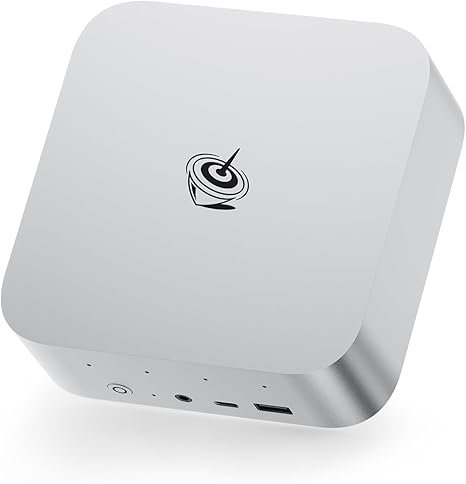
Beelink SER9 Pro AI — 12-Core Zen 5 · Radeon 890M · 50 TOPS · ~$550
The Beelink SER9 Pro AI is the fastest mini PC under $600 on every objective benchmark that matters. The Ryzen AI 9 HX 370 (12 cores, 24 threads, Zen 5, up to 5.1 GHz) leads this entire price bracket in both multi-threaded and single-core performance — with 50% more cores than the BOSGAME M4 at #2. The Radeon 890M (16 CU, 2900 MHz, RDNA 3.5) is around 35% faster in games than the Radeon 780M. And the 50 TOPS XDNA 2 NPU is the only Copilot+ certification in this entire guide — enabling Windows Recall, live real-time captions, and on-device AI features that run offline, privately, without cloud.
For local AI with LM Studio or Ollama, the Radeon 890M via Vulkan delivers 30–40 tokens/sec on Mistral 7B — genuinely interactive. Qwen3 14B runs at 18–25 t/s. Qwen3 32B fits in the 32GB unified RAM at ~8–12 t/s. The trade-offs: no OCuLink (BOSGAME M4 has it), single 2.5GbE (BOSGAME M4 has dual). If either of those specifically matter to you, scroll to #2. For everyone else, the SER9 Pro AI is the objectively correct choice.
| CPU | AMD Ryzen AI 9 HX 370 — 12C/24T — up to 5.1 GHz — Zen 5 |
|---|---|
| iGPU | AMD Radeon 890M — 16 CU — 2900 MHz — RDNA 3.5 |
| NPU | AMD XDNA 2 — 50 TOPS — Copilot+ certified ✓ |
| RAM | 32GB LPDDR5X-7500 — soldered (not upgradable) |
| Storage | 1TB PCIe 4.0 NVMe — dual M.2 slots (expandable) |
| Display | Triple 4K — HDMI 2.1 + DP 1.4 + USB4 (40 Gbps) |
| Networking | 1× 2.5 Gbps LAN · Wi-Fi 6 (Intel AX200) · BT 5.2 |
| OS | Windows 11 Pro (pre-installed) |
✓ Pros
- Fastest CPU under $600 — 12 Zen 5 cores, 5.1 GHz
- Fastest iGPU under $600 — Radeon 890M 16 CU (~35% over 780M)
- Only Copilot+ certified mini PC under $600
- 30–40 t/s local AI (Mistral 7B) — genuinely interactive
- Dual M.2 slots — easy storage expansion
- Beelink — proven community support and BIOS track record
✕ Cons
- No OCuLink — no discrete eGPU upgrade path
- Single 2.5GbE (not dual like BOSGAME M4)
- Wi-Fi 6, not Wi-Fi 7 or 6E
- 32GB soldered — choose config carefully at purchase
Affiliate link · Commission on qualifying purchases at no extra cost to you
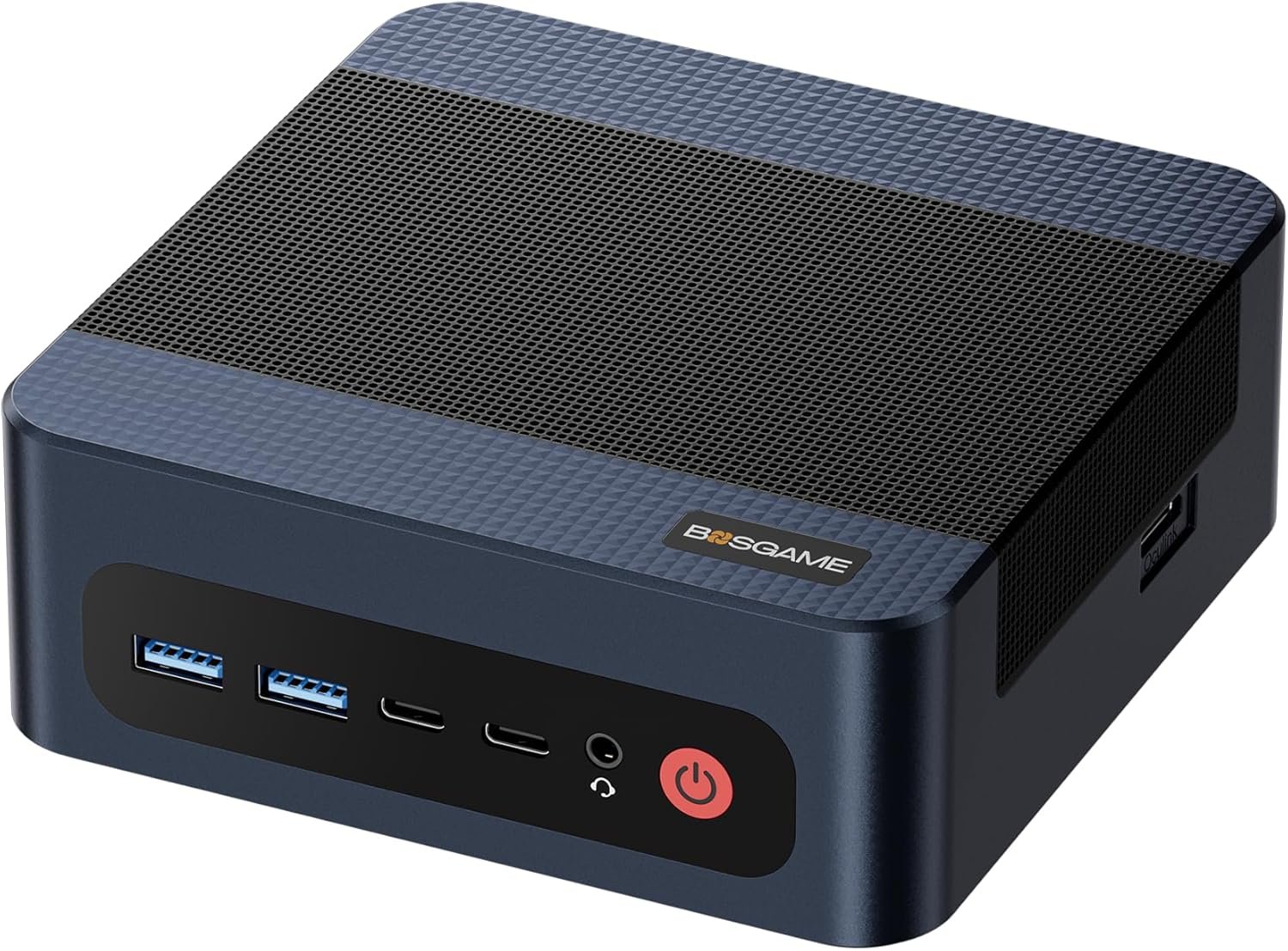
BOSGAME M4 — OCuLink · Dual 2.5GbE · 8-Core Zen 5 · ~$489
The BOSGAME M4 is a genuinely strong machine — 8-core Zen 5 CPU, 32GB LPDDR5X, fast 780M iGPU — that ranks #2 not because it’s bad, but because the SER9 Pro AI is objectively better on CPU, GPU, and NPU for $60 more. What justifies #2: the BOSGAME M4 has two features no other machine under $600 offers simultaneously: OCuLink (PCIe 4.0 ×4, for a real external GPU dock) and dual 2.5 Gbps Ethernet.
If you plan to add an RTX 4060 eGPU dock in the next 12 months, the BOSGAME M4’s OCuLink connection is the most important feature in this guide — it transforms the machine into something capable of 1440p gaming. If you run a homelab with dual-port networking needs, the dual 2.5GbE is likewise indispensable. For those specific use cases, the BOSGAME M4 is the right pick. Full review: BOSGAME M4 review.
| CPU | AMD Ryzen 7 8745HS — 8C/16T — up to 5.1 GHz — Zen 5 |
|---|---|
| iGPU | AMD Radeon 780M — 12 CU — RDNA 3 |
| NPU | None — not Copilot+ certified |
| RAM | 32GB LPDDR5X — soldered (not upgradable) |
| Storage | 1TB PCIe Gen4 NVMe — dual M.2 slots |
| Networking | Dual 2.5 Gbps LAN · Wi-Fi 6E · BT 5.2 |
| Expansion | OCuLink (PCIe 4.0 ×4) · USB4 |
| OS | Windows 11 Pro (pre-installed) |
✓ Pros
- OCuLink — only eGPU upgrade path under $600
- Dual 2.5GbE — unique for homelab / dual networking
- $60 cheaper than SER9 Pro AI
- Wi-Fi 6E (faster bands than SER9 Pro AI’s Wi-Fi 6)
- 8-core Zen 5 — fast for most everyday workloads
✕ Cons
- Slower CPU than SER9 Pro AI (8 cores vs 12)
- Radeon 780M — ~35% slower gaming than 890M
- No Copilot+ NPU (0 TOPS)
- BOSGAME — less established brand than Beelink
Affiliate link · Commission on qualifying purchases at no extra cost to you
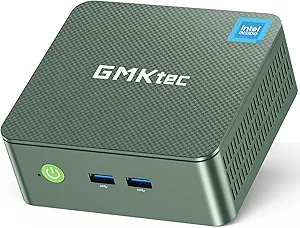
GMKtec NUC Box G3 Plus — Triple 2.5GbE · pfSense · Proxmox · ~$229
The GMKtec G3 Plus does one thing uniquely well at its price: three 2.5 Gbps Ethernet ports on a $229 machine. That makes it the best-value pfSense/OPNsense firewall, Proxmox node, or soft router available — period. One port for WAN, one for LAN, one for a storage or IoT VLAN: you get full network segmentation without any additional hardware. This used to require a $400+ dedicated appliance.
The N150 processor handles Proxmox lightweight VMs, Pi-hole, AdGuard Home, Home Assistant, and Plex client duty comfortably. It is not suitable for gaming, video editing, or local AI. Its ~6W idle power draw costs under $3/month in electricity running 24/7. For homelab and networking use, it’s the smartest $229 you can spend.
| CPU | Intel N150 — 4C/4T — 3.6 GHz — 6W TDP — Alder Lake-N |
|---|---|
| iGPU | Intel UHD Graphics — Quick Sync (hardware 4K HEVC/AV1 decode) ✓ |
| RAM | 16GB DDR4 |
| Storage | 512GB NVMe M.2 |
| Networking | Triple 2.5 Gbps LAN · Wi-Fi 6 · BT 5.2 |
| OS | Windows 11 Pro (pre-installed) |
✓ Pros
- Triple 2.5GbE — unique at this price, perfect for pfSense
- ~6W idle — ultra-efficient for 24/7 duty
- Intel Quick Sync — efficient 4K Plex/Jellyfin transcoding
- Compact — fits anywhere, even inside a rack U space
✕ Cons
- N150 — not gaming, not editing, not local AI
- 16GB RAM only
- GMKtec — less after-sales support than Beelink
Affiliate link · Commission on qualifying purchases at no extra cost to you
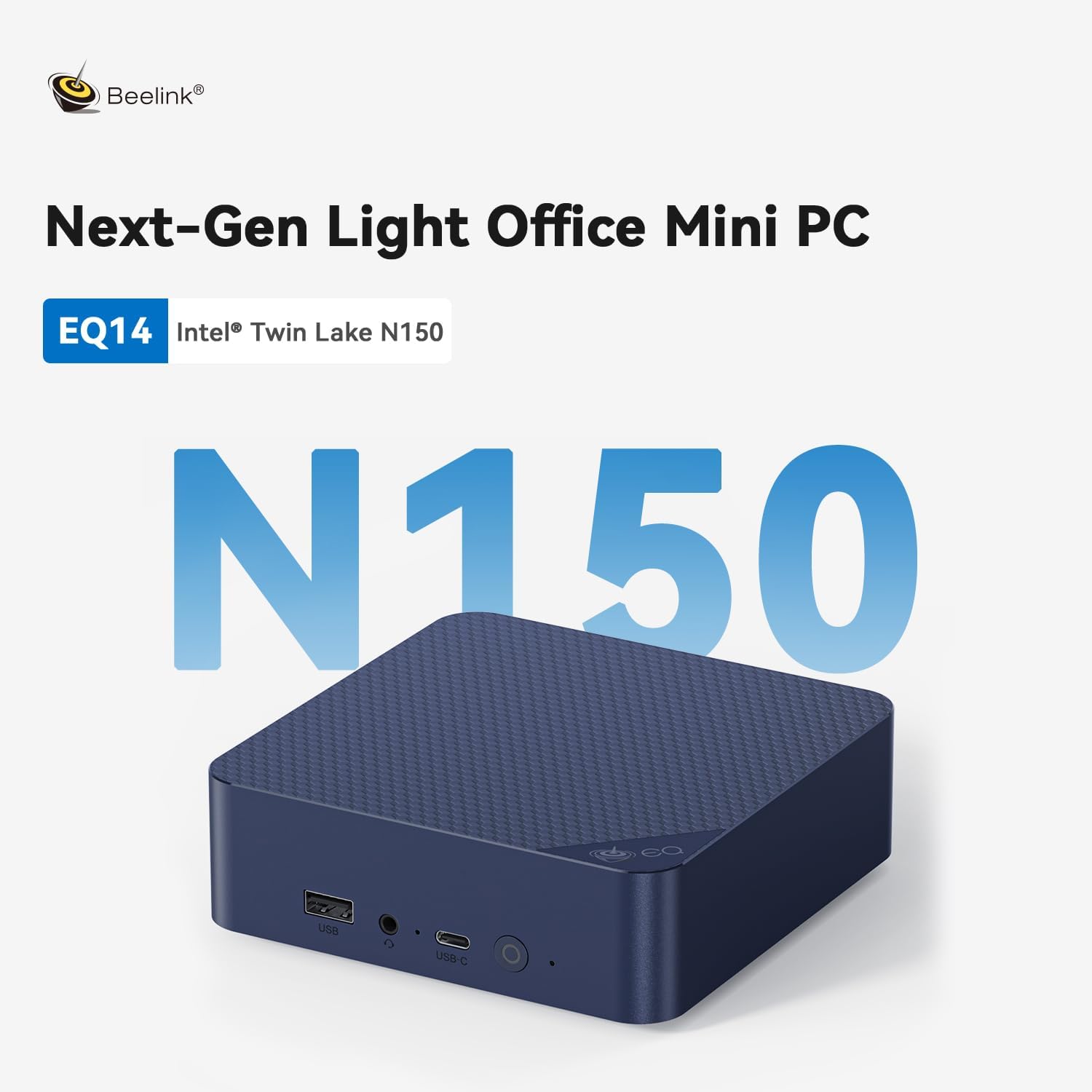
Beelink EQ14 — Dual 2.5GbE · Windows 11 Pro · ~$200
The Beelink EQ14 is the best-value mini PC under $250. Dual 2.5 Gbps Ethernet at $200 is genuinely unusual — most budget machines have standard Gigabit LAN. Add Windows 11 Pro pre-installed and activated (not Home — BitLocker, Remote Desktop, Group Policy are included), and Beelink’s proven reliability and community support, and there’s almost nothing else to consider at this price point for office or always-on server use.
The N150 processor handles everyday computing, web browsing, office applications, 4K media playback, and light server duties competently. It is not suitable for gaming beyond casual titles, video editing, or local AI. For those needs, you need the $489–$550 tier. For a quiet, efficient, reliable everyday or always-on machine, the EQ14 is hard to fault at $200. Full review: Beelink EQ14 review.
| CPU | Intel N150 — 4C/4T — 3.6 GHz — 6W TDP |
|---|---|
| iGPU | Intel UHD Graphics — Quick Sync ✓ |
| RAM | 16GB DDR4 |
| Storage | 500GB NVMe M.2 |
| Networking | Dual 2.5 Gbps LAN · Wi-Fi 6 · BT 5.2 |
| OS | Windows 11 Pro (pre-installed, activated) |
✓ Pros
- Dual 2.5GbE — rare and useful at $200
- Windows 11 Pro (not Home) — BitLocker, Remote Desktop
- Beelink — reliable brand, good BIOS support history
- ~6W idle — extremely efficient for 24/7 use
✕ Cons
- N150 — not for gaming, editing, or AI workloads
- 16GB RAM — constrained for heavy multitasking
- 500GB SSD — may need expanding for storage-intensive tasks
Affiliate link · Commission on qualifying purchases at no extra cost to you
Which One Is Right for You?
Four machines, two very different tiers. Here’s the decision map:
Best for 1080p gaming?
The Beelink SER9 Pro AI — Radeon 890M is clearly faster (~35% over 780M). Both handle esports well but the 890M runs more demanding titles at playable settings.
Best for local AI (LM Studio/Ollama)?
The Beelink SER9 Pro AI — 30–40 t/s on 7B models with Radeon 890M + Vulkan. BOSGAME M4 gets 18–25 t/s. Both run 7B–32B models on 32GB.
Want to add a GPU later?
Only the BOSGAME M4 has OCuLink. An RTX 4060 eGPU dock turns it into a 1440p gaming machine. No other sub-$600 mini PC offers this upgrade path.
pfSense / homelab router?
The GMKtec G3 Plus (triple 2.5GbE, ~$229) is purpose-built. The BOSGAME M4 (dual 2.5GbE + Zen 5 CPU) if you need compute alongside networking.
Need Windows Copilot+ AI features?
Only the Beelink SER9 Pro AI is Copilot+ certified. Windows Recall, live captions, AI-enhanced search — offline, private. BOSGAME M4 has no NPU.
Strict budget under $250?
The Beelink EQ14 (~$200) for everyday use + Win 11 Pro. The GMKtec G3 Plus (~$229) if homelab networking is the priority. Same N150 chip — choose by ports.
Need More or Less Performance?
Browse our full price-tier guides — every ranking uses the same editorial standards.