
Best Mini PC for Coding & Programming 2026: 5 Picks for Every Developer
From a $329 budget box for front-end work to a $1,999 powerhouse running Qwen3 235B locally while compiling in the background. Five mini PCs matched to five developer profiles — with the real RAM requirements, Docker/VM performance, and multi-monitor truth no spec sheet tells you.
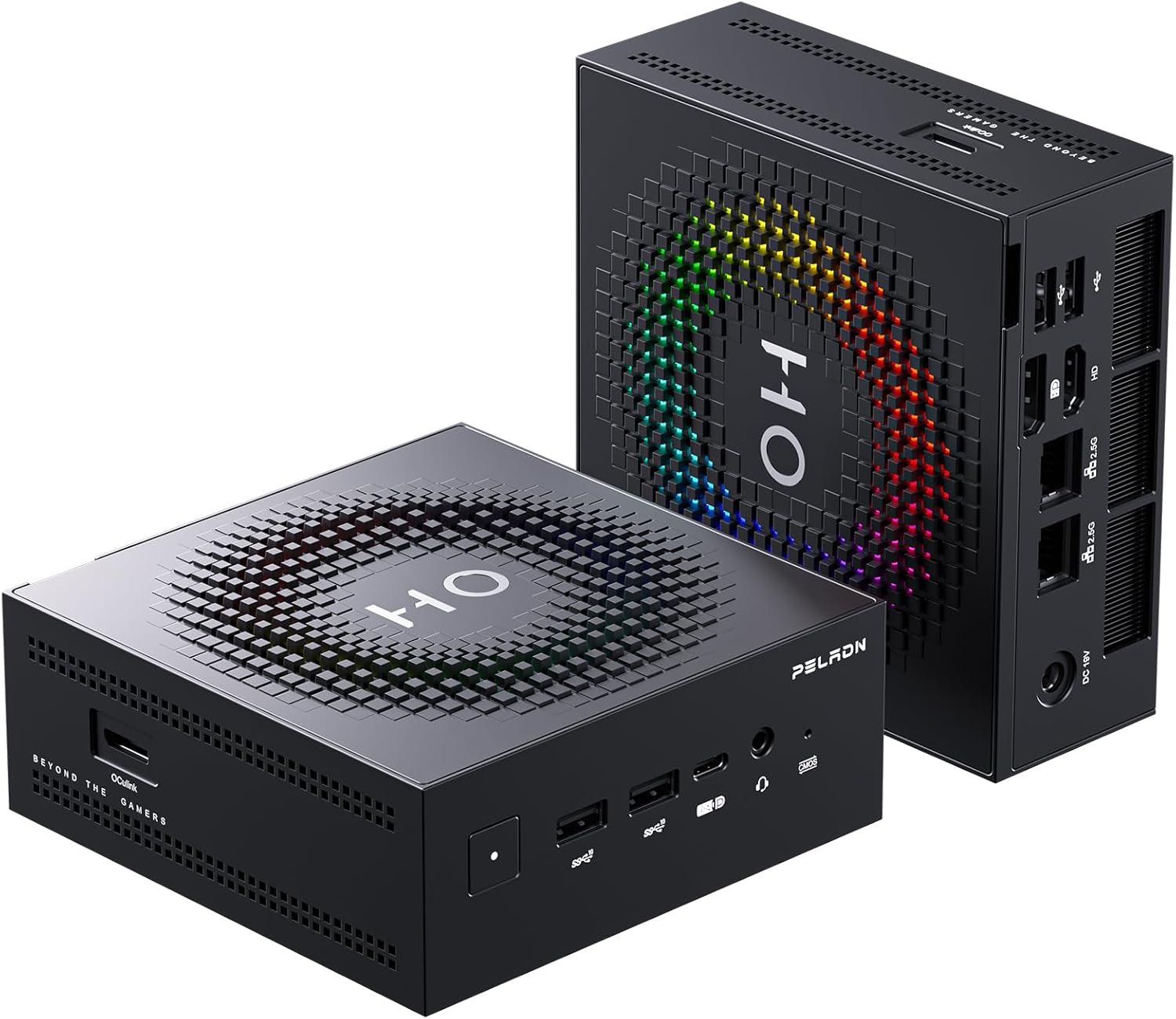
Best for most developers (web, full-stack, Docker): Peladn HO5 or Beelink SER9 Pro AI (~$940, 32GB) — Ryzen AI 9 HX 370, runs VS Code, 3–5 Docker containers, Node.js, Python, and multiple browser tabs without breaking a sweat. Best for AI development / heavy VMs: GMKtec EVO-X2 128GB (~$1,999) — 96GB allocatable VRAM, run Qwen3 235B locally while your CI compiles. Budget / students / front-end only (~$329): KAMRUI Pinova P2 — handles VS Code, browser, local server, and triple 4K monitors.
- 01 How Much RAM Do Developers Actually Need?
- 02 #1 — Peladn HO5: Best for Most Developers
- 03 #2 — Beelink SER9 Pro AI: Best Brand + Built-in Audio
- 04 #3 — GMKtec EVO-X2: Best for AI Development
- 05 #4 — ACEMAGIC Retro X5: Best Upgradeable RAM
- 06 #5 — KAMRUI Pinova P2: Best Budget / Front-End
- 07 Full Comparison Table
- 08 FAQ
How Much RAM Do Developers Actually Need?
RAM is the single most important spec for a coding mini PC. 16GB is the minimum for comfortable web development. 32GB is recommended for Docker and multiple services. 64GB+ for heavy virtualization or local AI model inference alongside development tools.
This matters more with mini PCs than with regular desktops because most mini PC RAM is soldered — you cannot upgrade it after purchase. Microsoft themselves, in the Visual Studio 2026 system requirements, state it “works best with 64 GB RAM” for professional solutions. That’s for the IDE alone.
| Developer profile | Typical tools running | RAM needed | Pick |
|---|---|---|---|
| Front-end / student | VS Code, Chrome, local dev server (Vite/Webpack) | 16 GB OK | KAMRUI P2 ($329) |
| Web / full-stack | VS Code, Chrome (20+ tabs), Node.js, 1–2 Docker services | 32 GB recommended | Peladn HO5 / Beelink SER9 |
| Full-stack + heavy Docker | JetBrains IDE, 3–5 containers, DB, Redis, queue | 32–64 GB | Retro X5 (upgradeable) |
| Multi-VM / DevOps | Multiple full Windows/Linux VMs simultaneously | 64 GB+ | Retro X5 (128GB upgrade) |
| AI dev + local LLM | Ollama/LM Studio + IDE + browser + Python env | 64–128 GB | GMKtec EVO-X2 |
#1 — Peladn HO5: Best for Most Developers
Ryzen AI 9 HX 370 · 32GB LPDDR5-7500 · OCuLink · Wi-Fi 7
The developer’s sweet spot: 12 Zen 5 cores that handle parallel compiles without throttling, 32GB that comfortably runs VS Code + Docker + browser simultaneously, and OCuLink for a future eGPU if you move into GPU-accelerated ML.
The 12-core Ryzen AI 9 HX 370 compiles large codebases fast — a project that takes 2 minutes on a 4-core N150 budget mini PC completes in under 40 seconds on this chip. The OCuLink port is the forward-looking differentiator: if you later move into GPU-accelerated training or need faster local AI inference, you can add an eGPU dock without replacing the machine.
✓ Pros for devs
- 12 cores — parallel builds fly
- Dual 2.5GbE — great for NAS dev environments
- OCuLink — future GPU/eGPU path
- Wi-Fi 7 — fastest wireless for remote work
- 2nd M.2 slot — expand storage easily
✕ Watch out
- 32GB soldered — no upgrade
- Smaller brand, shorter warranty
- No built-in speakers/microphone
#2 — Beelink SER9 Pro AI: Best Brand + Built-in Audio for Remote Work
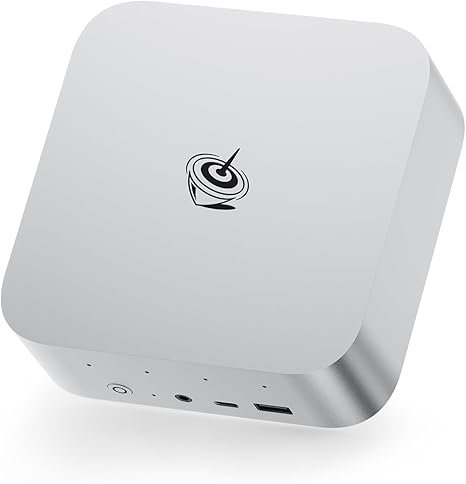
Same Ryzen AI 9 HX 370 · 3-Year Warranty · 4× AI Microphones
For developers who care about long-term reliability, warranty support, and working from home without a separate webcam mic setup. Identical CPU/GPU to the Peladn HO5 — the differentiators are brand strength, built-in 4-microphone array (AI noise cancellation), and dual speakers.
#3 — GMKtec EVO-X2 128GB: Best for AI Development & Local LLMs
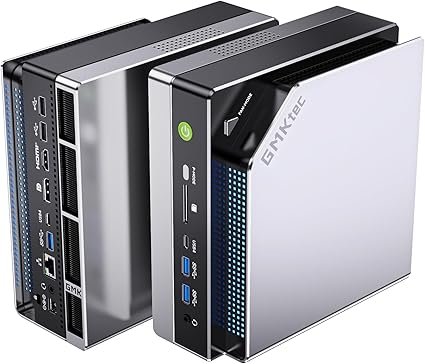
Ryzen AI Max+ 395 · 128GB LPDDR5X · 96GB allocatable VRAM
For AI engineers and developers integrating LLMs into their workflows: this is the only mini PC that lets you run Qwen3 235B or Llama 3.1 70B locally for API testing while your IDE compiles in the background. For a complete breakdown of local AI performance across all price tiers, see our best mini PC for local AI 2026 guide.
The 128GB unified memory means you can simultaneously run: a local Qwen3 32B model for AI-assisted coding (Ollama + Copilot alternative), a full Docker compose stack, VS Code with heavy extensions, and multiple browser tabs — without a memory constraint in sight. For teams evaluating LLM APIs locally before cloud deployment, nothing else comes close at this price. If local AI inference is your primary use case, our local AI guide also covers tokens/sec and quantization trade-offs in depth.
#4 — ACEMAGIC Retro X5: Best for Developers Who Need Upgradeable RAM
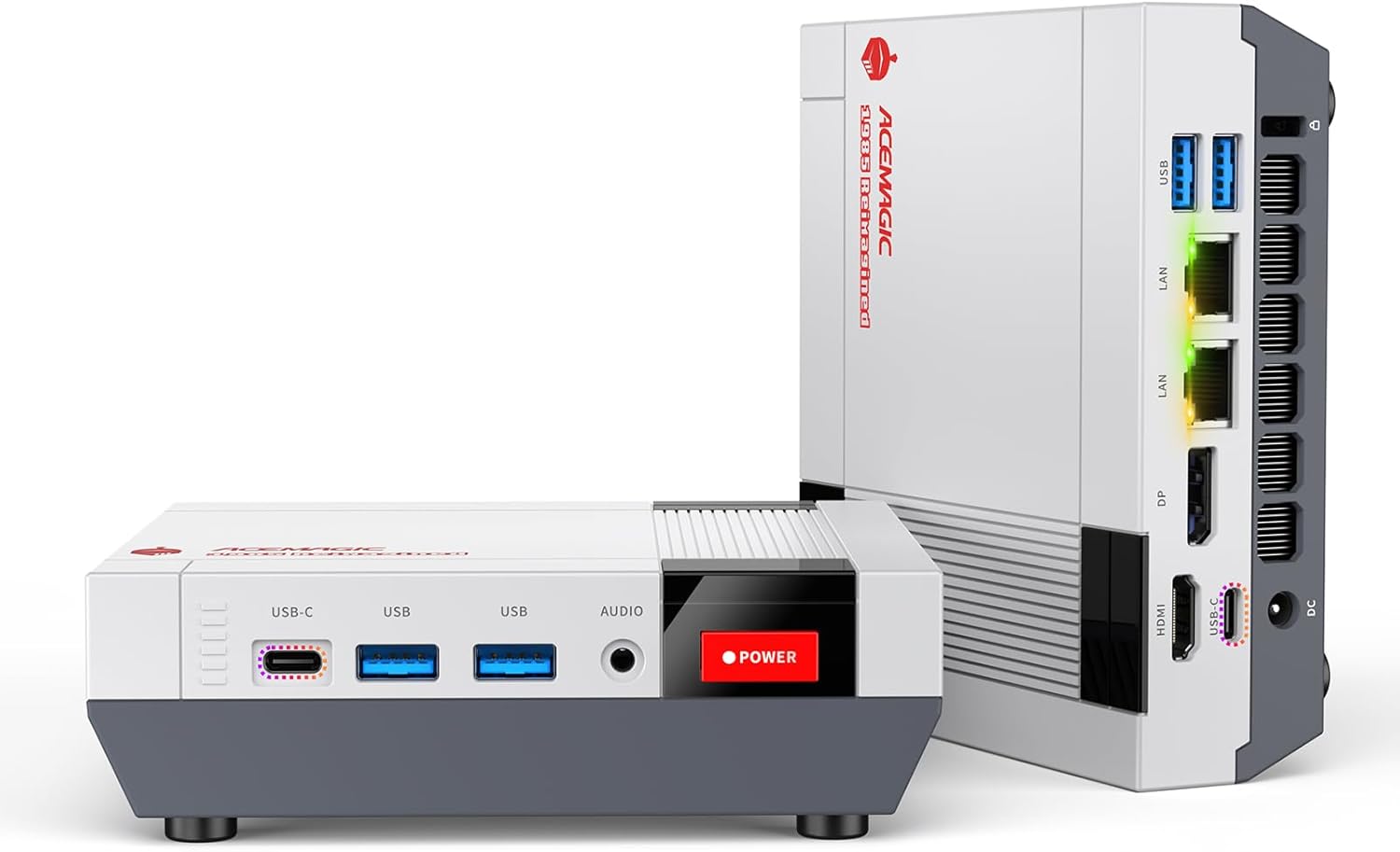
Same HX 370 CPU · User-Accessible SO-DIMM · Start at 32GB → Upgrade to 128GB
The unique choice for developers who want to start light and upgrade as their needs grow. Buy with 32GB today, add more SO-DIMM DDR5 later. The only Ryzen AI 9 HX 370 mini PC with user-accessible RAM slots.
#5 — KAMRUI Pinova P2: Best Budget Option for Front-End & Students
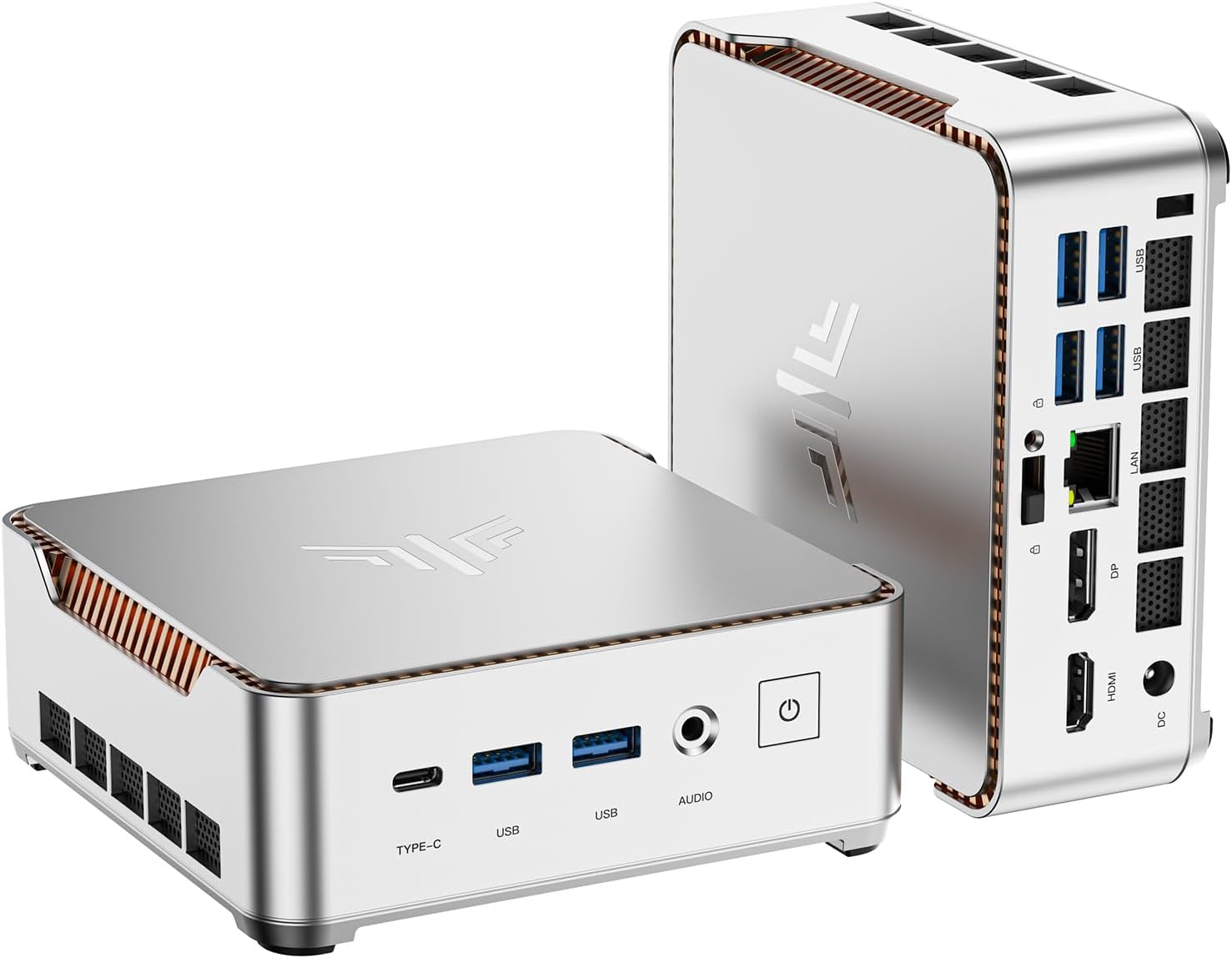
Ryzen 4300U · 16GB DDR4 · Triple 4K@60Hz · $329
For students and front-end developers who primarily use VS Code, a browser, and a local dev server. The standout feature for developers: triple 4K display output (HDMI + DP + USB-C) at a price no other mini PC matches.
The Ryzen 4300U (Zen 2, 2020) handles VS Code, Node.js local servers, Python scripts, and browser-based development comfortably. Where it shows age: parallel C++/Java/Rust compilation, running more than 2 Docker containers simultaneously, or any sustained CPU-intensive build over 10 minutes. For JavaScript/TypeScript front-end work, Python scripting, or learning to code, it is entirely sufficient.
Full Comparison: Best Mini PCs for Coding 2026
| Model | CPU | RAM | Docker | VMs | Local AI | Price |
|---|---|---|---|---|---|---|
| Peladn HO5 | HX 370 12C | 32GB LPDDR5X | Excellent | Good | 32B max | ~$940 |
| Beelink SER9 Pro AI | HX 370 12C | 32GB LPDDR5X | Excellent | Good | 32B max | ~$1,000 |
| GMKtec EVO-X2 | AI Max+ 395 16C | 128GB LPDDR5X | Excellent | Excellent | 235B (Q2) | ~$1,999 |
| ACEMAGIC Retro X5 | HX 370 12C | 32GB (→128GB) | Good | Good (64GB+) | Upgradeable | ~$900 |
| KAMRUI Pinova P2 | Ryzen 4300U 4C | 16GB DDR4 | Light only | Not suited | No | ~$329 |
Frequently Asked Questions
RAM requirement figures are based on community developer consensus (r/webdev, DEV.to), Microsoft’s published Visual Studio 2026 system requirements, and independent developer reports. CPU performance comparisons are based on published Cinebench R23/R24 benchmarks for each platform. This article contains affiliate links — we earn a commission on qualifying purchases at no extra cost to you.