
Mini PC Accessories (2026): Keyboards, Monitors, Hubs, Storage and eGPU Docks
A mini PC arrives without a screen, keyboard or speakers, and usually with fewer ports than a tower. This page gathers the accessories that matter most, by category, with a short note on what to check before buying each one. For a step-by-step plan of a complete desk, start with our desk setup guide.
In short
The essentials are a monitor, a keyboard and mouse with a USB receiver (it works in the BIOS, unlike Bluetooth), USB-powered speakers and a small USB hub if the mini PC is mounted behind the screen. A portable SSD covers backups. An eGPU dock is worth it only for gaming or AI on a mini PC with OCuLink or USB4.
What changed in this update (Oct 12, 2026)
We corrected the OCuLink figures: OCuLink runs at 64 Gbit/s (about 8 GB/s), and in published tests the same graphics card ran 20–28% faster than over USB4, not “30–40%”. The Beelink external GPU dock is not an OCuLink dock: it uses a PCIe x8 connector that fits only Beelink’s GTi mini PCs. We added the Minisforum DEG1 and GMKtec AD-GP1 docks, a portable SSD, the carrying cases category and links to our new desk setup, OCuLink and upgrade guides.
Keyboards and mice
Choose a combo with a 2.4GHz USB receiver: it works in the BIOS and during a Windows installation. Multi-device keyboards help if you switch between the mini PC and a laptop.
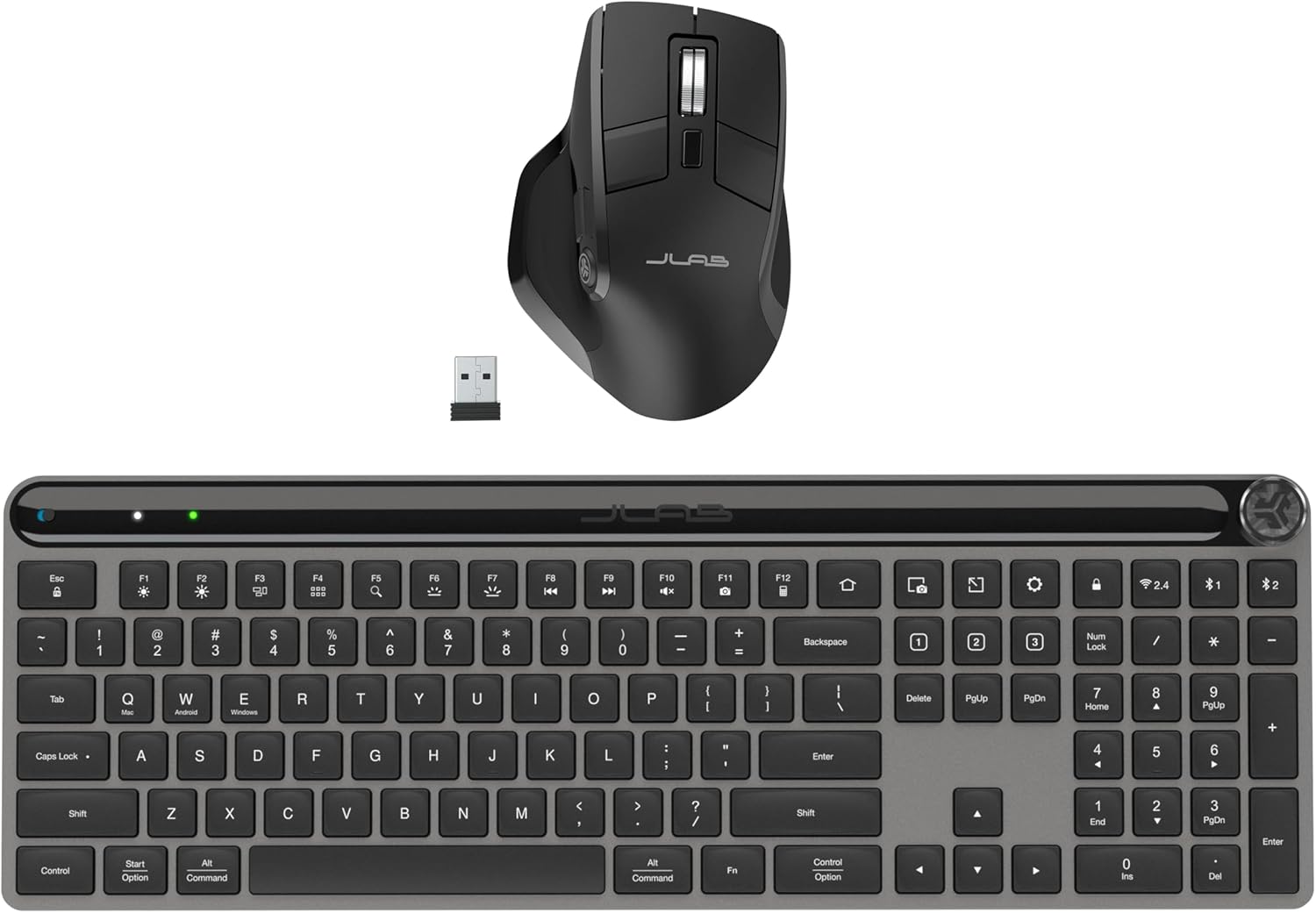 JLab Epic Work BundleWireless keyboard and mouse combo for everyday work.
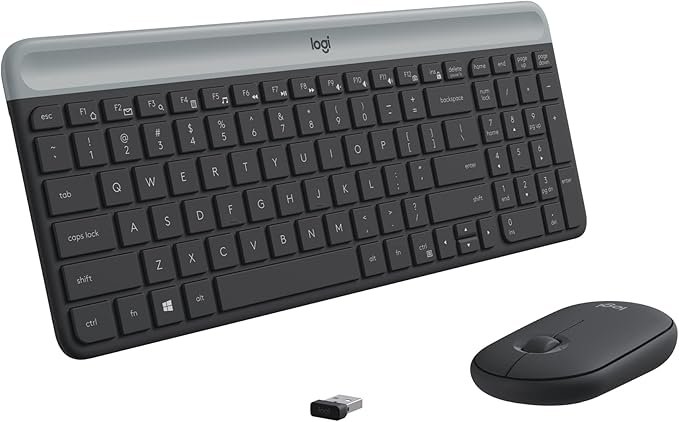 Logitech MK470 SlimQuiet, compact combo on a single USB receiver.
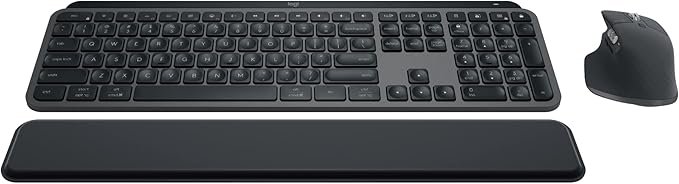 Logitech MX Keys S ComboBacklit keyboard, MX Master 3S mouse, three devices.
USB hubs and docks
A small hub on the desk brings back the ports of a mini PC mounted behind the monitor. A dock adds storage, networking or display outputs, and a USB4 dock needs a USB4 port on the mini PC.
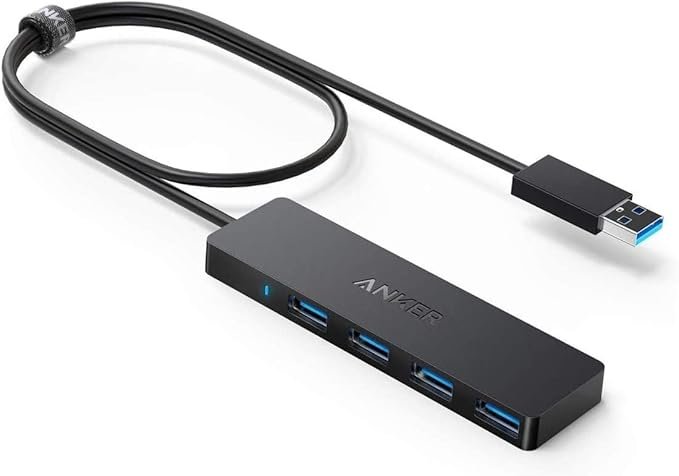 Anker 4-Port USB HubFour USB 3.0 ports (5 Gbit/s) on a 2 ft USB-C cable.
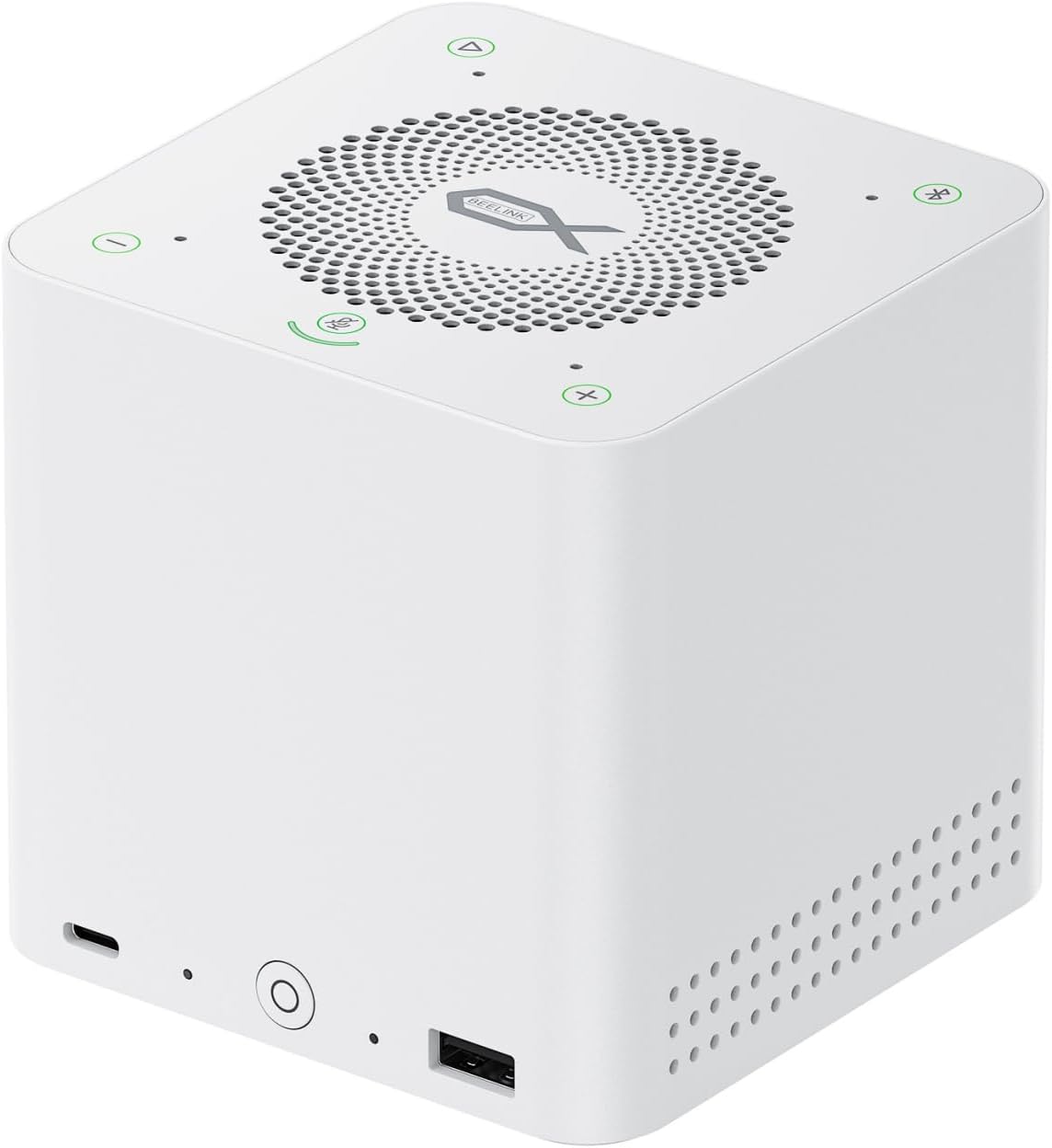 Beelink EX Mate ProUSB4 v2 dock with four M.2 SSD slots, 2.5GbE and 96W charging. Our review
All USB hubs → · USB hub buying guide →
External storage
A portable SSD on a 10 Gbit/s USB port handles backups and file transfers. An NVMe enclosure turns a spare M.2 SSD into a fast external drive; USB4 enclosures reach about 3,000 MB/s or more on a USB4 port.
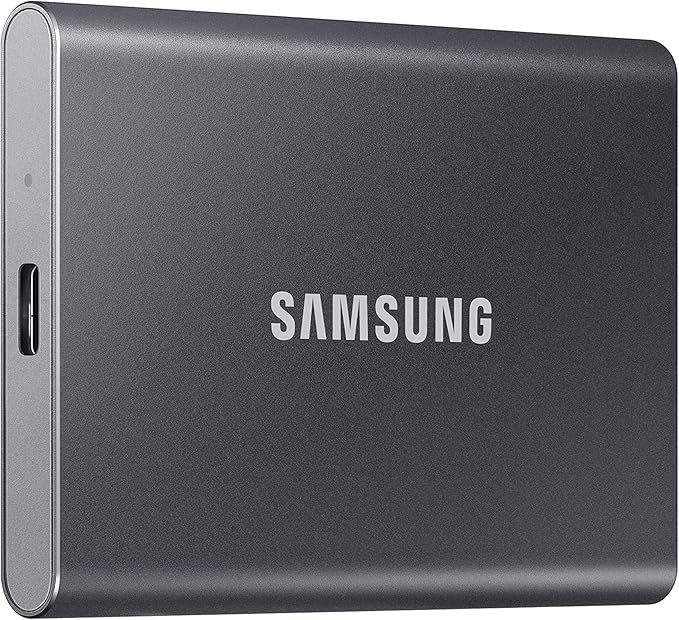 Samsung T7 Portable SSDUSB 3.2 Gen 2, up to about 1,050 MB/s, pocket size.
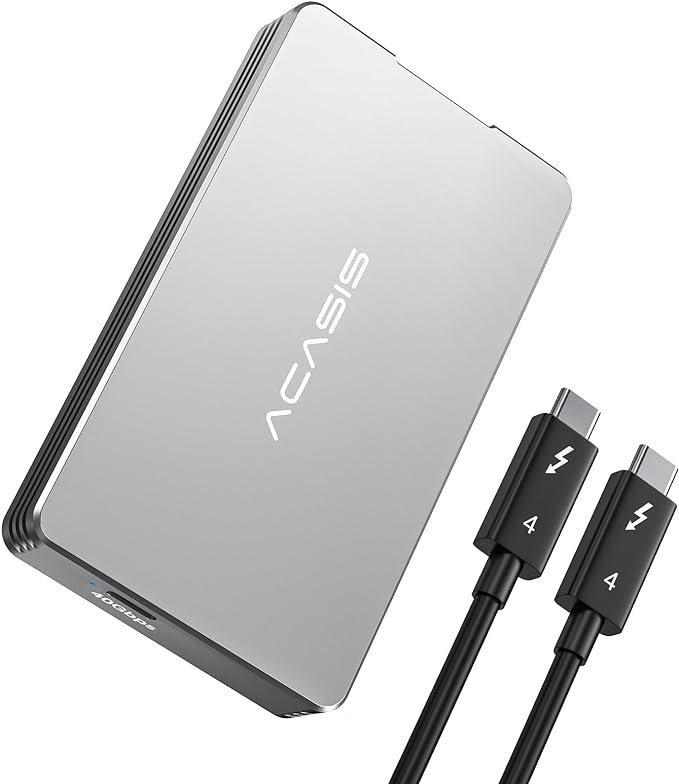 ACASIS NVMe EnclosureTool-free case for an M.2 NVMe SSD; check the USB version in the listing.
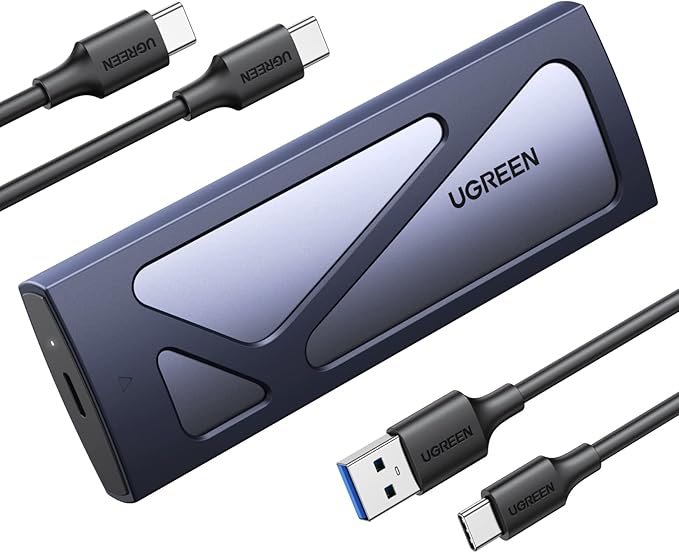 UGREEN NVMe EnclosureReuse the SSD you replaced in your mini PC as a portable drive.
Portable monitors
A 15.6-inch 1080p portable monitor adds a second screen with one USB-C cable, if your mini PC’s USB-C or USB4 port carries video; otherwise use its HDMI input and a USB power source.
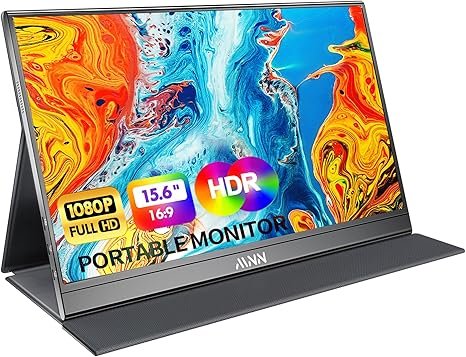 MNN Portable Monitor 15.6″1080p IPS, USB-C and HDMI inputs.
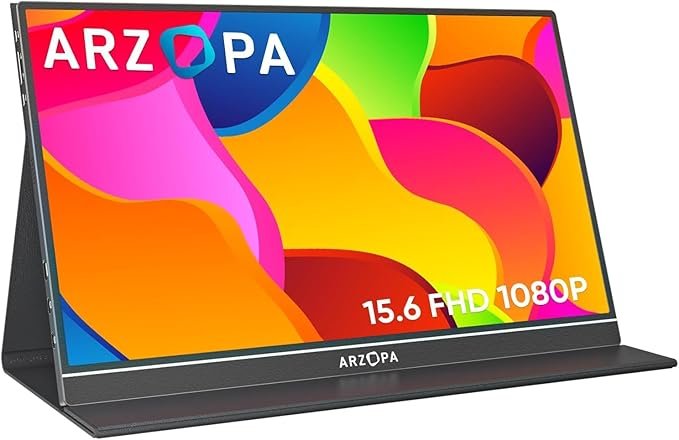 ARZOPA 15.6″ 1080pUSB-C portable screen with a smart cover stand.
All portable monitors → · Dual-screen setups →
Speakers
Most mini PCs have no speakers. USB-powered speakers need no extra outlet; a 2.1 set with a subwoofer is better for music and films.
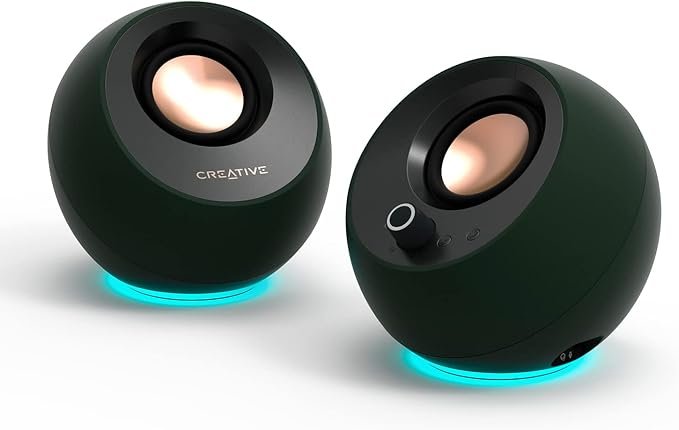 Creative Pebble ProUSB-C power and audio, Bluetooth 5.3, headset jack.
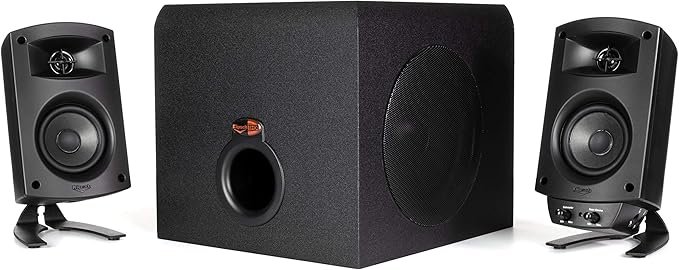 Klipsch ProMedia 2.1 THX2.1 system with a subwoofer for music and films.
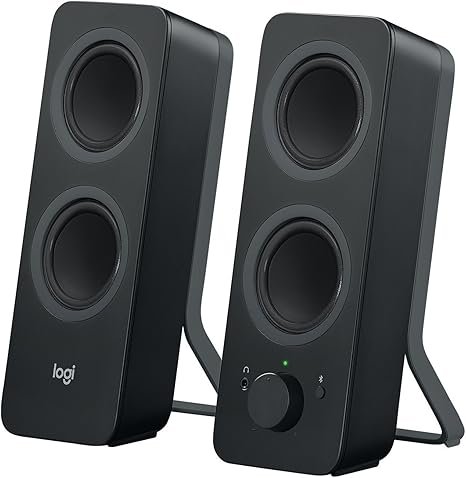 Logitech Z207Compact 2.0 stereo speakers with Bluetooth.
eGPU docks
An OCuLink dock is the fastest way to add a desktop graphics card: OCuLink carries PCIe 4.0 x4 (64 Gbit/s, about 8 GB/s), roughly twice the PCIe bandwidth of USB4, and the same card ran 20–28% faster than over USB4 in published tests.
Check your mini PC’s ports first: OCuLink docks need an OCuLink port, USB4 docks a USB4 or Thunderbolt port. A mid-range card is the sweet spot; flagship cards lose a larger share of their performance over four PCIe lanes. Our OCuLink guide lists compatible mini PCs and the setup steps.
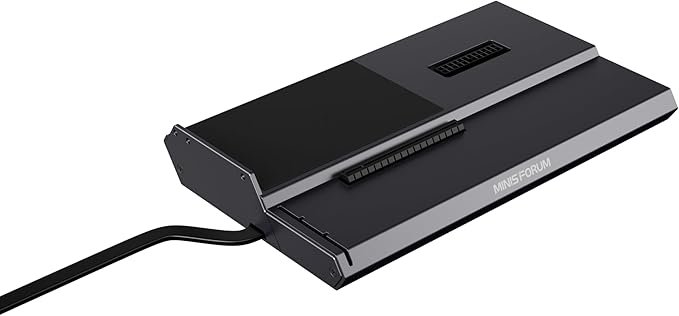 Minisforum DEG1Open OCuLink dock for any desktop card; ATX or SFX power supply sold separately.
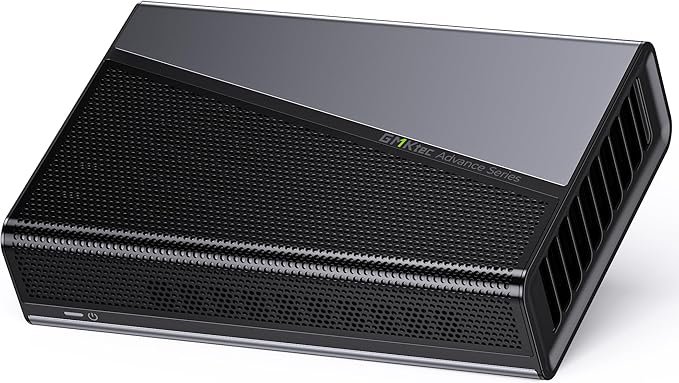 GMKtec AD-GP1Radeon RX 7600M XT built in; connects by OCuLink or USB4.
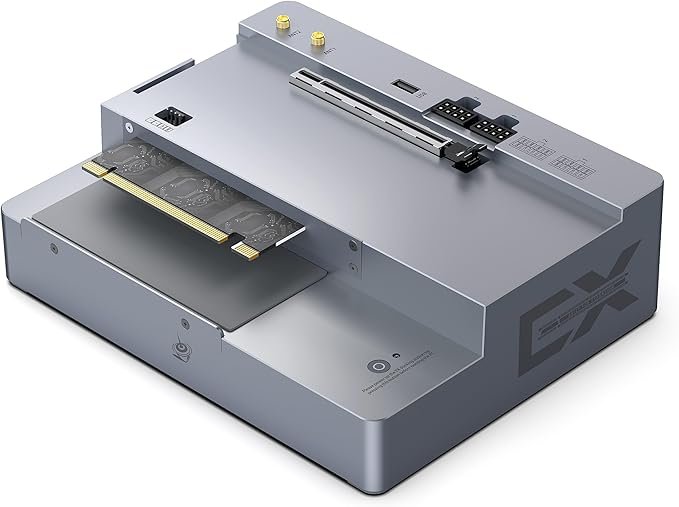 Beelink EX GPU DockPCIe x8 connector for Beelink GTi mini PCs only (not OCuLink).
Carrying cases
A padded case protects a mini PC, its power adapter and cables when you take it between home and office.
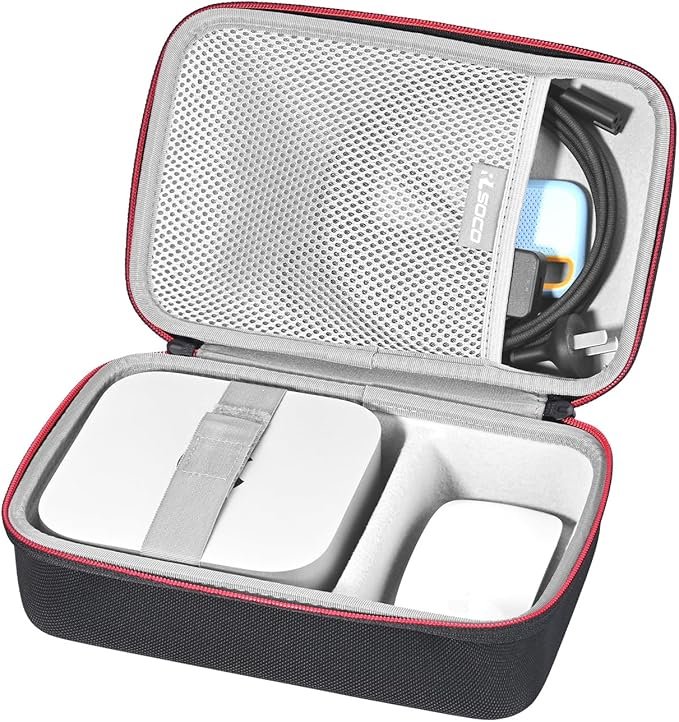 RLSOCO Mini PC CaseHard-shell case with room for the adapter; check the inside dimensions against your model.
Looking for the mini PC itself?
Our buying guides rank mini PCs by budget and by use, with specifications and published test results.
- Mini PCs by priceUnder $200 to over $1,000
- Mini PCs by useOffice, home server, AI, fanless
- Best gaming mini PCsIntegrated graphics to desktop RTX
- Best mini PC for local AIRun language models at home
FAQ
What accessories does a mini PC need?
A monitor, a keyboard and a mouse are essential. Most people also need speakers or a headset, since most mini PCs have none, and a small USB hub if the mini PC is mounted behind the monitor. A VESA bracket usually comes in the box.
Can I add a graphics card to a mini PC?
Yes, with an external GPU dock if your mini PC has an OCuLink, USB4 or Thunderbolt port. OCuLink is the fastest option. Ordinary USB-C ports at 10 Gbit/s cannot drive a graphics card.
Is a USB hub or a docking station better for a mini PC?
A USB hub is enough for most desks. A docking station is worth it when you want extra SSD storage, more display outputs or networking through one cable; USB4 docks need a USB4 port on the mini PC.
Do portable monitors work with mini PCs?
Yes. With a USB-C or USB4 port that carries video, one cable handles both picture and power. Otherwise, connect the monitor’s HDMI input and power it from a USB port or its adapter.
Follow MiniPCDeals.net for new guides and deals on Facebook, Instagram, Pinterest and X.