
Best Mini PC Under $600 in 2026: 3 Picks, Honest Verdict
The $489–$550 range is where mini PCs stop being compromises and start being genuinely fast machines. The BOSGAME M4 gives you OCuLink, dual 2.5 GbE, and Zen 5. The BOSGAME P6 brings a Ryzen 9. The Beelink EQ14 handles everyday tasks for far less. Prices fluctuate on Amazon — this guide tells you what each machine is good for so you can pick the right one regardless of the current price gap.
Affiliate Disclosure: This article contains affiliate links. MiniPCDeals.net participates in the Amazon Associates program and may earn a commission on qualifying purchases at no extra cost to you.
Best overall under $600: BOSGAME M4 — OCuLink, dual 2.5 GbE, Radeon 780M (RDNA 3), Zen 5 CPU. Best feature set in this price bracket.
Best Ryzen 9 value: BOSGAME P6 — Ryzen 9 6900HX, 32GB LPDDR5X, triple 4K, dual LAN. For heavy CPU workloads without OCuLink.
Best budget: Beelink EQ14 — N150, dual 2.5 GbE, Windows 11 Pro. For office and always-on use.
⚠️ All prices fluctuate on Amazon — verify before purchasing.
Two Very Different Tiers — Know Before You Buy
The $200–$600 range in 2026 spans a huge performance gap. At $200–$229 you get an N150 efficiency chip — fine for office tasks, not suitable for gaming or AI. At $489–$550 you get 8–12 core Zen 5, 32GB LPDDR5X, and real integrated GPU gaming. Buying the wrong tier is the most common mistake.
The Intel N150 (in the Beelink EQ14) is a 6-watt efficiency processor designed for always-on, low-power use. It handles web browsing, Microsoft Office, 4K media playback, Plex serving, and homelab networking perfectly. It cannot game, cannot run local AI models at usable speeds, and will struggle with demanding multitasking. Its value is the price: it runs 24/7 for minimal electricity cost.
The Ryzen 7 8745HS and Ryzen 9 6900HX (in the BOSGAME M4 and BOSGAME P6) are mobile workstation processors running at 28–45W. The M4’s Ryzen 7 8745HS has 8 Zen 5 cores and runs up to 5.1 GHz. These machines are genuinely fast: multi-threaded performance that surpasses 2021 desktop Core i7s. The Radeon 780M iGPU can run modern games at 1080p medium. Local AI at 18–25 tokens/second on 7B models.
If gaming, video editing, local AI, or coding with Docker/VMs is in your use case — the EQ14 will disappoint you. Spend $489–$550 for the Zen 5 tier. If you’re unsure: a BOSGAME M4 and a Beelink EQ14 solve different problems. You may need both for different rooms.
#1 — BOSGAME M4: Why It Leads
The BOSGAME M4 leads because no other machine under $600 combines OCuLink (future GPU upgrade), dual 2.5 Gbps Ethernet, a Zen 5 CPU, and an RDNA 3 iGPU. These four features together are what make it the most complete pick.
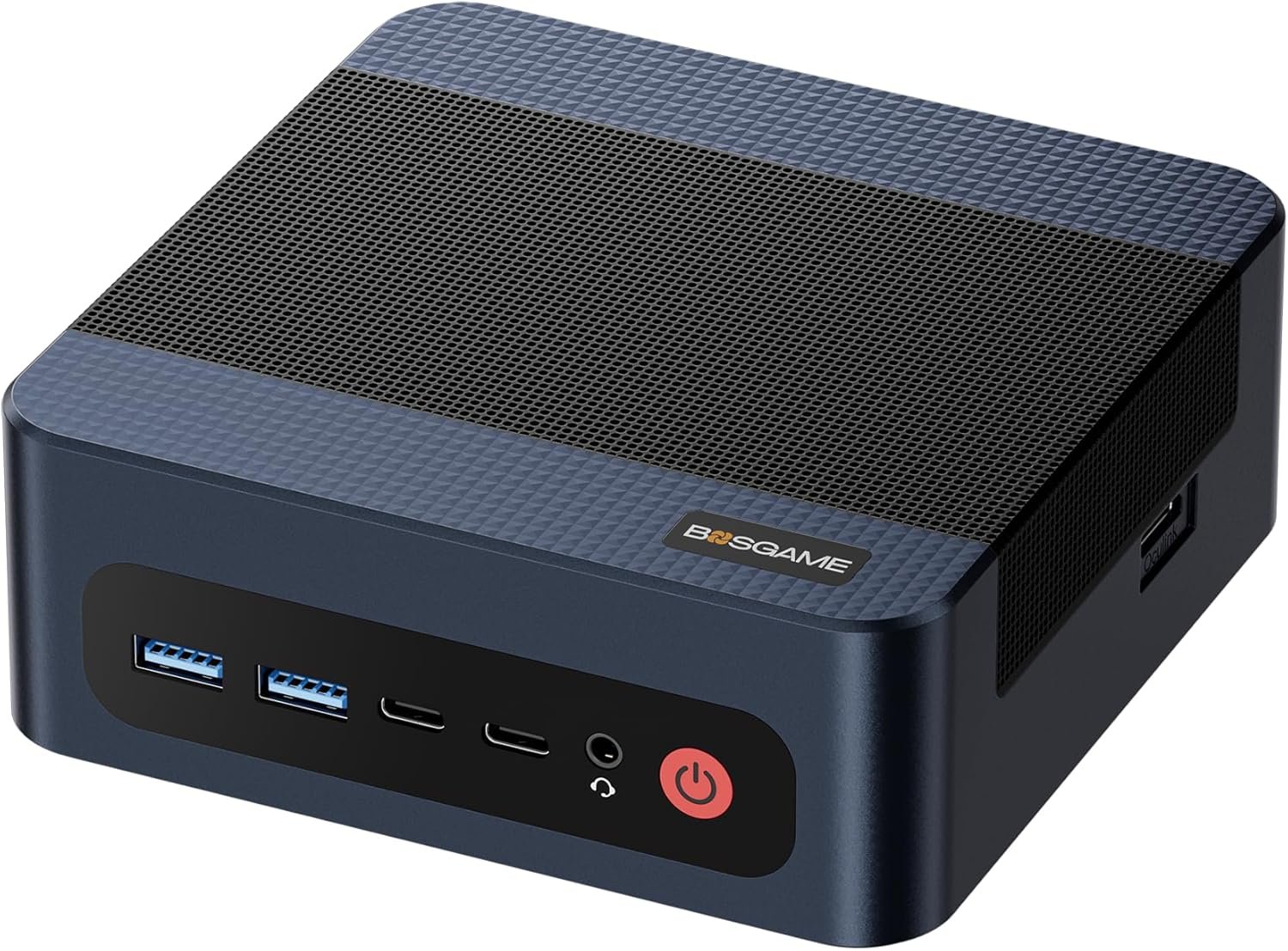
Ryzen 7 8745HS · Radeon 780M · OCuLink · Dual 2.5GbE · USB4 · Wi-Fi 6E · ~$490–$600*
The M4 uses the Ryzen 7 8745HS — 8 Zen 5 cores, 16 threads, 5.1 GHz. In Cinebench R23, it scores approximately 15,000–16,000 multi-core. The Radeon 780M (12 CU, RDNA 3, 2700 MHz) is ~20–30% faster in games than the Radeon 680M in the BOSGAME P6, and is the strongest iGPU available in this price bracket.
The OCuLink port is the single most valuable feature on the M4. An RTX 4060 eGPU dock (~$300) over OCuLink gives: 1440p gaming at high settings, 80–100 t/s local AI inference (vs 18–25 t/s iGPU), and hardware-accelerated video rendering. No USB4 eGPU matches this bandwidth. The dual 2.5 GbE is equally important for homelab users: WAN + LAN pfSense setup, dual-port NAS, or high-bandwidth server networking.
The BOSGAME M4 has no Copilot+ NPU — worth knowing if Windows Recall or on-device AI features matter to you. For those, you need a Ryzen AI 9 HX 370 machine. See our local AI guide.
An RTX 4060 eGPU dock connected via OCuLink (PCIe 4.0 ×4) costs approximately $280–$320 and adds: 80–100 t/s local AI inference (vs 18–25 t/s iGPU), 1440p gaming at high settings, and hardware-accelerated video rendering. No USB4/Thunderbolt eGPU setup matches this — PCIe bandwidth is approximately 2× faster than USB4 for GPU workloads. If you plan to game seriously or run large AI models in 12–18 months, the BOSGAME M4 + eGPU dock is a better investment than a dedicated gaming mini PC.
✓ Pros
- OCuLink — unique at this price (eGPU upgrade path)
- Radeon 780M — fastest iGPU under $600
- Dual 2.5GbE — pfSense / NAS ready
- Zen 5 CPU — modern architecture
- Wi-Fi 6E · USB4 · 32GB LPDDR5X
✗ Cons
- No Copilot+ NPU
- 32GB RAM soldered (not upgradable)
- Radeon 780M is one generation behind the 890M
* Prices fluctuate — verify on Amazon before purchasing
#2 — BOSGAME P6: Ryzen 9 Value
The BOSGAME P6 brings a Ryzen 9 6900HX (8C, Zen 3+), 32GB LPDDR5X, triple 4K, and dual LAN. It ranks #2 because it lacks OCuLink, has an older RDNA 2 iGPU, and 1 Gbps LAN — but delivers strong CPU performance for the price.
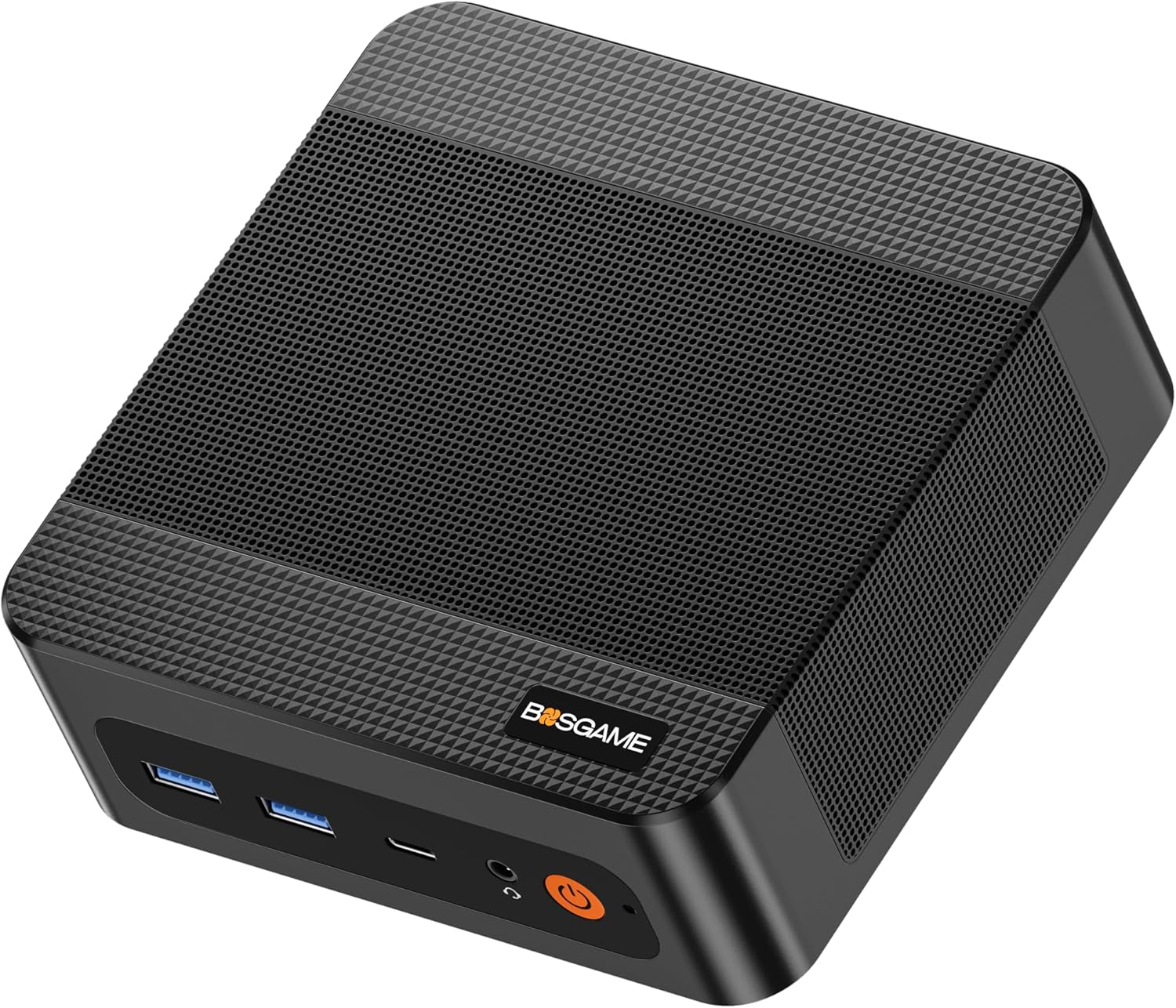
Ryzen 9 6900HX · 32GB LPDDR5X · Triple 4K · Dual LAN · Win 11 Pro · ~$550*
The P6 uses the Ryzen 9 6900HX — an 8-core, 16-thread Zen 3+ mobile chip at up to 4.9 GHz. It’s the highest-tier CPU available in this price bracket, and comfortably handles compilation, virtualization, and media workloads. The trade-off: the Radeon 680M (RDNA 2) iGPU is a generation behind the M4’s 780M, and there is no OCuLink port.
Choose the P6 if you specifically need the Ryzen 9 CPU label and triple-monitor output, and don’t need OCuLink or 2.5 GbE. It is the right pick for CPU-heavy productivity workloads without a GPU upgrade path in mind. Full context: BOSGAME P6 review →
✓ Pros
- Ryzen 9 6900HX — highest-tier CPU under $600
- 32GB LPDDR5X 6400
- Triple 4K@60Hz — best for multi-monitor productivity
- Dual LAN · Wi-Fi 6E · Windows 11 Pro
✗ Cons
- No OCuLink — no GPU upgrade path
- Radeon 680M (RDNA 2) — older iGPU
- 1 Gbps LAN (not 2.5 GbE)
- No Copilot+ NPU
* Prices fluctuate — verify on Amazon before purchasing
BOSGAME M4 — OCuLink · Dual 2.5GbE · Zen 5
The most complete pick under $600 — OCuLink eGPU path, dual 2.5GbE, Radeon 780M iGPU, and Wi-Fi 6E.
#3 — Beelink EQ14: Budget Pick
The Beelink EQ14 is the right choice if your priority is office tasks, everyday browsing, 4K media, or a low-power home server — and budget matters. Dual 2.5 GbE and Windows 11 Pro at this price are unusual.
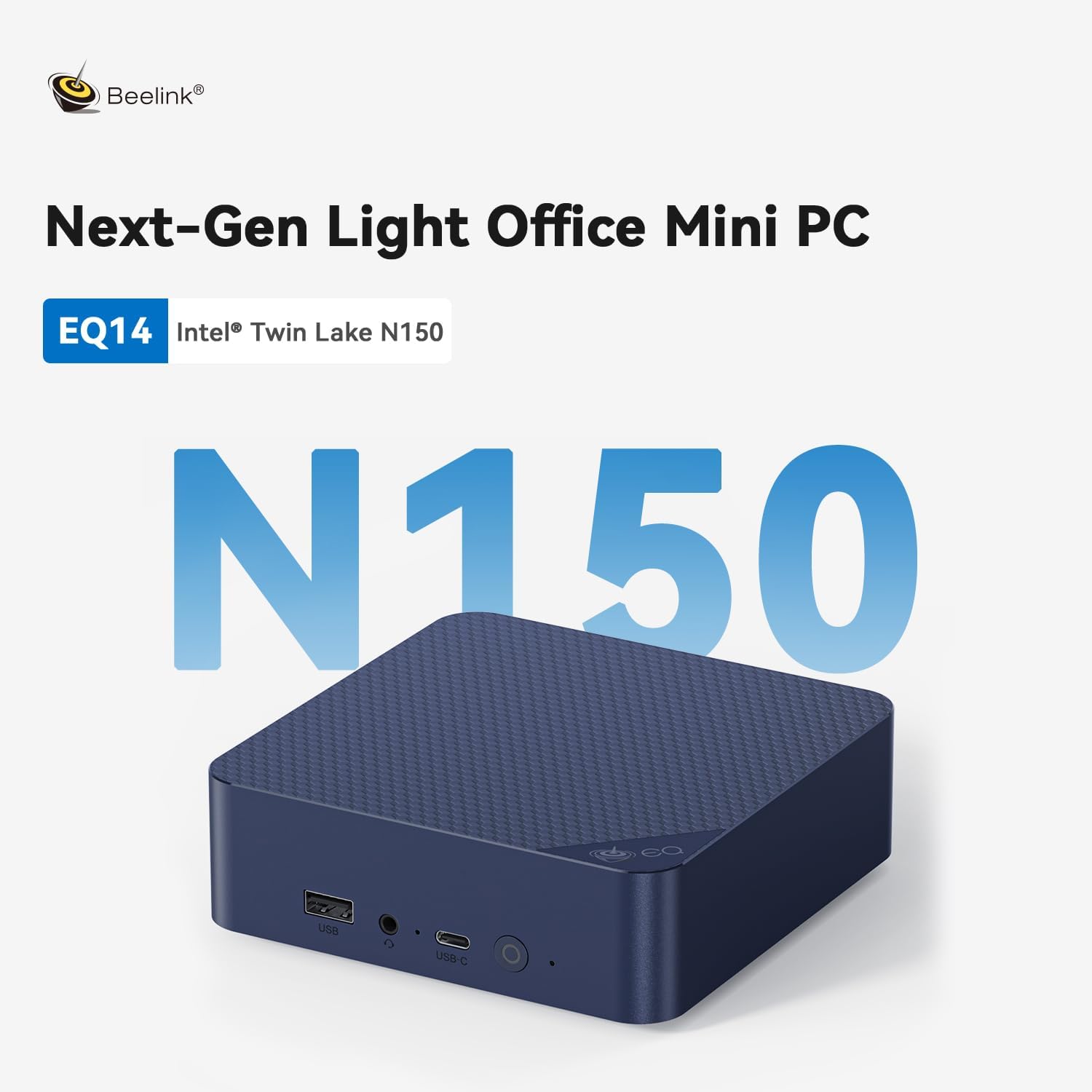
Intel N150 · Dual 2.5GbE · Windows 11 Pro · Wi-Fi 6 · ~$150–$200*
The EQ14 is the best-value budget mini PC available. Dual 2.5 GbE at this price is genuinely unusual. Windows 11 Pro pre-installed and activated (not Home). Beelink’s reliability and BIOS support track record make it the safest budget buy in 2026. Not suitable for gaming, editing, or local AI — but perfect for office, media, and always-on use. Full review: Beelink EQ14 review →
* Prices fluctuate — verify on Amazon before purchasing
Full Comparison: The Numbers
| Spec | BOSGAME M4 | BOSGAME P6 | Beelink EQ14 |
|---|---|---|---|
| CPU | Ryzen 7 8745HS · 8C · Zen 5 | Ryzen 9 6900HX · 8C · Zen 3+ | N150 · 4C · 6W |
| iGPU | Radeon 780M · 12 CU · RDNA 3 | Radeon 680M · 12 CU · RDNA 2 | Intel UHD |
| NPU (Copilot+) | None | None | None |
| RAM | 32GB LPDDR5X | 32GB LPDDR5X | 16GB DDR4 |
| OCuLink | Yes (PCIe 4×4) | No | No |
| Ethernet | Dual 2.5GbE | Dual 1GbE | Dual 2.5GbE |
| Wi-Fi | Wi-Fi 6E | Wi-Fi 6E | Wi-Fi 6 |
| Display output | Dual 4K | Triple 4K@60Hz | Dual 4K |
| Local AI (7B t/s) | 18–25 t/s | ~5–15 t/s (RDNA 2) | ~5–8 t/s |
| 1080p gaming | 780M — capable | 680M — acceptable | No |
| Idle power | ~15W | ~15W | ~6W |
| Price* | ~$490–$600 | ~$550 | ~$150–$200 |
* Prices as of April 2026 — fluctuate regularly on Amazon. Verify before purchasing. AI t/s = community benchmarks (r/LocalLLaMA, Vulkan backend, Mistral 7B Q4_K_M).
The Decision Guide: 6 Questions
1. Do you game or plan to game?
The BOSGAME M4 (Radeon 780M, OCuLink) is the right pick. It handles 1080p esports well, and OCuLink lets you add a discrete GPU later for more demanding titles. The BOSGAME P6 (Radeon 680M) is ~15–20% slower in gaming. Beelink EQ14 cannot game.
2. Do you want local AI (LM Studio / Ollama)?
The BOSGAME M4 runs 7B models at 18–25 t/s — usable for most tasks. The BOSGAME P6 with Radeon 680M (RDNA 2) is significantly slower for LLM inference. The EQ14 cannot run practical local AI. Models above 70B need 64GB+, not available under $600. See our LM Studio setup guide →
3. Do you need an eGPU upgrade path?
Only the BOSGAME M4 has OCuLink. If there’s any chance you’ll add a discrete GPU in the next 2 years, pick the M4 over the P6 — the upgrade capability matters more than the ~$60 price difference.
4. Do you need dual networking?
Dual 2.5 GbE: BOSGAME M4 and Beelink EQ14. Dual Gigabit (1 Gbps): BOSGAME P6. For triple LAN (pfSense/OPNsense appliance), the GMKtec G3 Plus has triple 2.5 GbE at lower cost — see our Best Mini PC Under $400 guide.
5. Do you want Windows Copilot+ features?
None of these machines have a Copilot+ NPU. That requires a 40+ TOPS NPU — only available on the Ryzen AI 9 HX 370 platform and above, starting above $600. See our local AI guide.
6. Is the price gap between M4 and P6 the deciding factor?
Prices fluctuate — at times the BOSGAME M4 and P6 are within $30–$50 of each other. In that case, the M4 wins clearly (better iGPU, OCuLink, 2.5 GbE). If the P6 is meaningfully cheaper, it’s a legitimate CPU-heavy alternative without OCuLink. Always check current Amazon prices.
Frequently Asked Questions
Sources & Methodology
CPU and GPU specs from manufacturer product pages (BOSGAME, Beelink) and Amazon listings, April 2026. Gaming and AI token speeds from community benchmarks on r/LocalLLaMA and r/MiniPCs. All performance claims are attributed to publicly verifiable sources. See linked full reviews for detailed specifications per machine.