
Best Fanless Mini PCs (2026): 4 Silent Picks for Office, Media and 24/7 Use
A fanless mini PC has no moving parts: its metal case carries the heat away, so it makes no noise at all and pulls in no dust. The trade-off is a low-power processor. These four models cover the main needs, from a pocket-sized box to an 8-core silent workstation.
In short
For most people, the MINIX Z150-0dB is the fanless mini PC to buy: an Intel N150, upgradeable memory, 2.5GbE, Wi-Fi 6 and auto power-on for always-on use. Choose the 8-core MINIX Z300-0dB for heavier multitasking, the MeLE Quieter 4C for the smallest box with three screens, and the ZOTAC ZBOX CI337 nano if you want to fit your own memory and storage.
What changed in this update (Oct 10, 2026)
We removed written prices and per-product scores, and corrected specifications against manufacturers’ pages: both MINIX models have an upgradeable memory slot (not soldered memory), the Z300-0dB does support auto power-on, the Z150-0dB has Wi-Fi 6, the MeLE uses LPDDR4X memory with eMMC storage on some versions, and the ZOTAC’s M.2 slot is a 2242 PCIe x1/SATA slot. We also reordered the picks so the most balanced model comes first.
What a fanless mini PC is, and who it’s for
A mini PC cooled only by its metal case: totally silent and dust-free, but limited to low-power chips such as the Intel N100, N150 or N300.
Heat from the processor goes into the chassis, often through heat pipes and fins, and the case radiates it into the room. Many “quiet” mini PCs still have a small fan that spins up under load; a fanless model has none, so it is silent at all times. The case gets warm under load — that is the cooling at work — and a fanless chip may slow down a little in long, heavy tasks or in a hot room. CNX Software saw this with a fanless N100 that scored below a fan-cooled one.
- Home office: documents, web, video calls
- Media PC on a TV, 4K streaming
- Always-on home server or home automation hub
- Bedrooms, studios, libraries, medical or retail counters
- Digital signage, dusty workshops
- Gaming
- Video editing or 3D work
- Local AI models
- Several virtual machines or long compiles
- Enclosed cabinets with no airflow
1. MINIX Z150-0dB — best fanless mini PC for most people
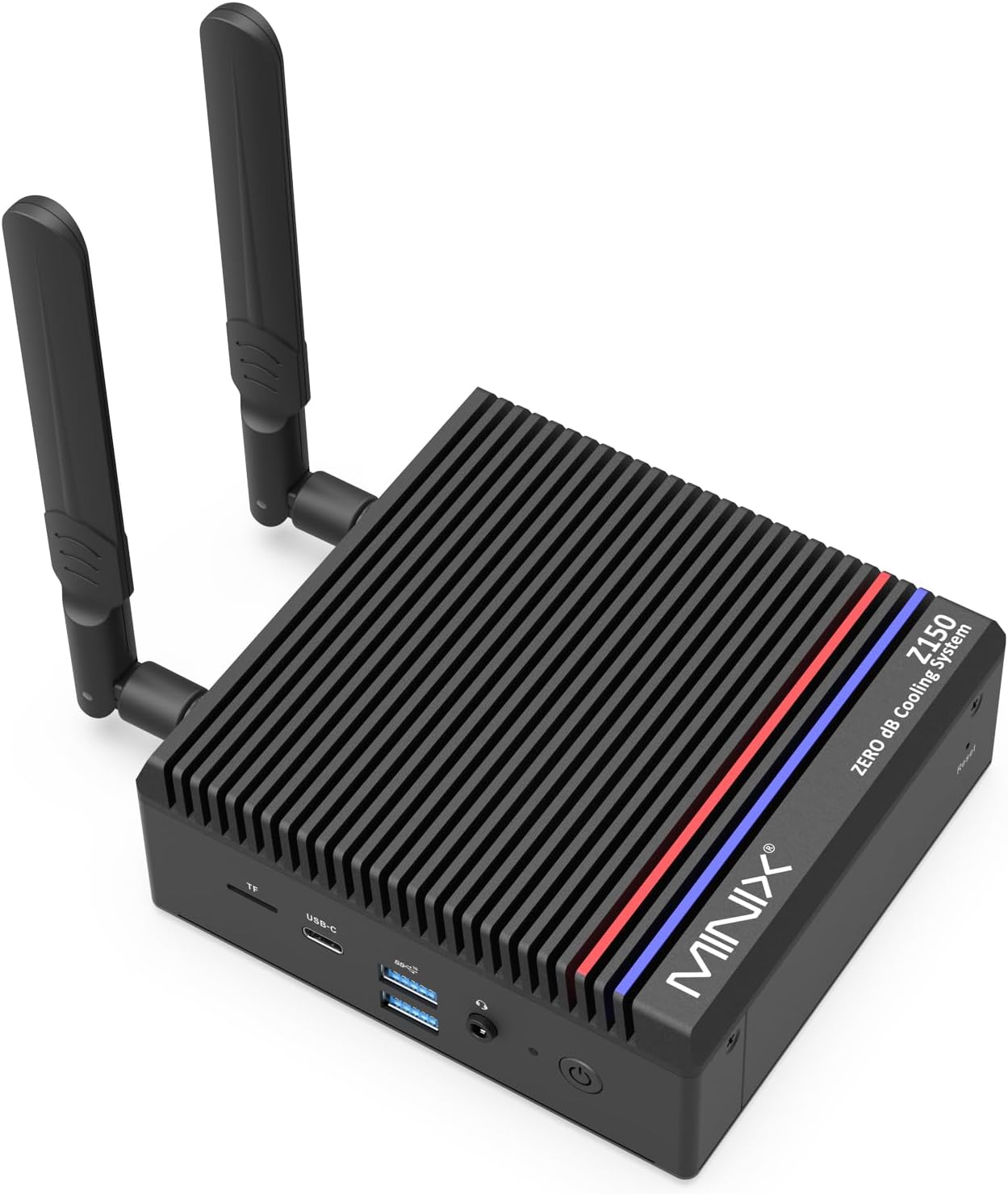
MINIX Z150-0dB
An Intel N150 in MINIX’s proven finned case, with 2.5GbE, Wi-Fi 6, a memory slot you can upgrade and auto power-on for unattended use.
Check current price on AmazonMINIX has been making fanless “0dB” mini PCs for years, and the Z150 is a refresh of the N100-based Z100-0dB with Intel’s slightly faster N150. The connectivity is well chosen for a home office or an always-on box: a 2.5GbE port, Wi-Fi 6 with external antennas, two 10Gbps USB-A ports, a 10Gbps USB-C port (data only), two USB 2.0 ports and a microSD slot. The BIOS supports auto power-on after a power cut, Wake on LAN and RTC wake. It drives two 4K monitors over HDMI; the USB-C port carries no video. Windows 11 Pro is included.
- Silent, proven MINIX passive design
- 2.5GbE and Wi-Fi 6
- Upgradeable memory (32GB) and SSD (4TB)
- Auto power-on, Wake on LAN
- Windows 11 Pro
- Two monitors maximum
- USB-C for data only
- Entry-level 4-core chip
- Larger than the MeLE
2. MINIX NEO Z300-0dB — best fanless performance
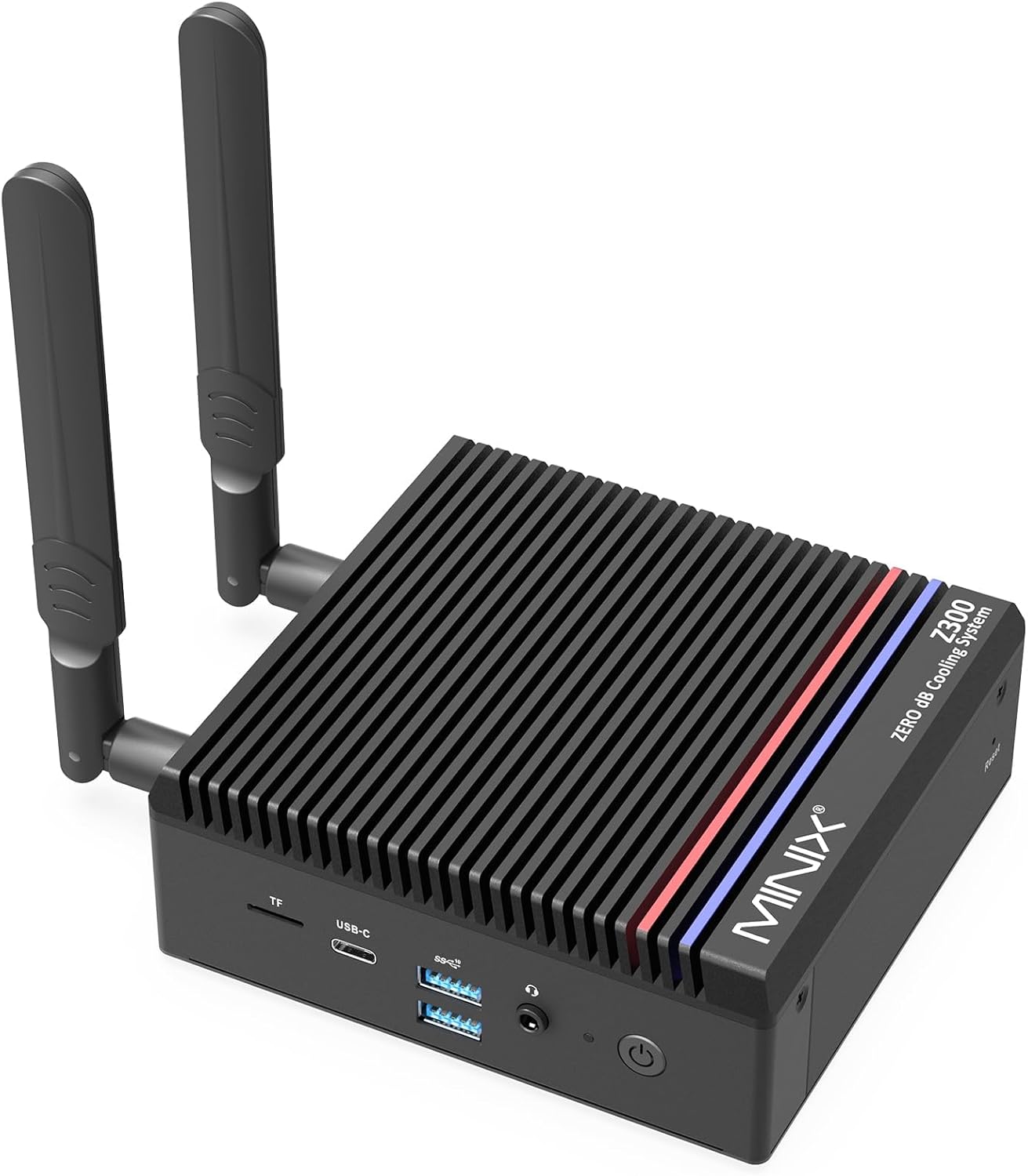
MINIX NEO Z300-0dB
The same silent design with an 8-core Core i3-N300: about twice the multi-core speed of a 4-core N100 in CNX Software’s 7-Zip comparison.
Check current price on AmazonEight efficiency cores make the Z300 the better silent choice when many things run at once: lots of browser tabs, a video call and a file transfer, or a home server with several containers. Ports and server features match the Z150, including auto power-on, Wake on LAN and RTC wake. MINIX has since added the NEO Z350-0dB, which uses the newer 8-core Core 3 N350 (up to 3.9GHz) with the same layout; buy whichever of the two is cheaper the day you shop, since the difference is small.
- 8 cores: the fastest pick here
- 2.5GbE, Wi-Fi 6, microSD
- Upgradeable memory and SSD
- Auto power-on, Wake on LAN
- Costs more than the Z150
- Two monitors maximum, USB-C data only
- Same single-channel memory and graphics limits
3. MeLE Quieter 4C — the most compact
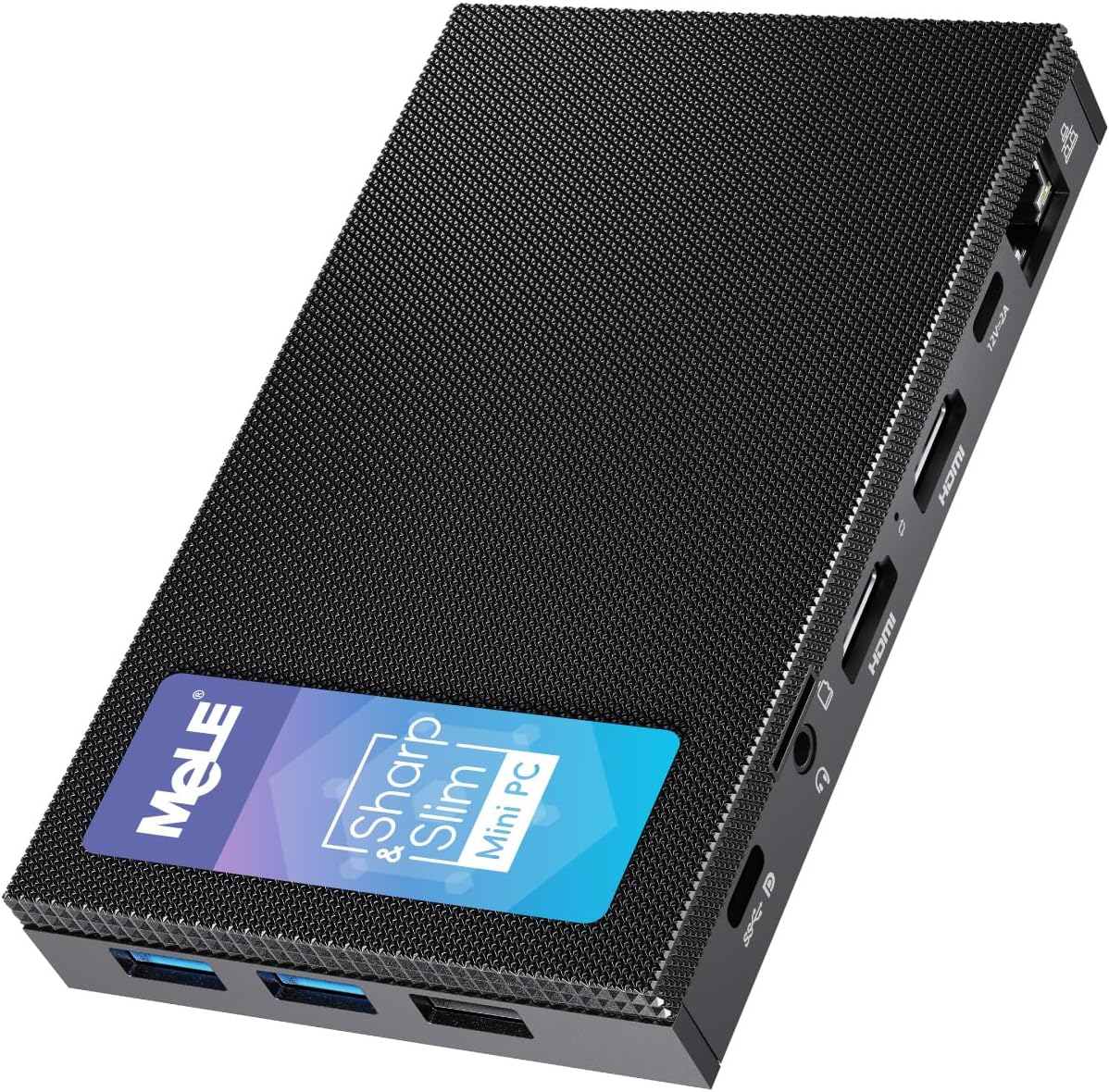
MeLE Quieter 4C
A 131 × 81 × 18mm box that powers over USB-C and drives three 4K screens — small enough to hide behind a monitor or carry in a bag.
Check current price on AmazonThe Quieter 4C’s strength is its size: about the footprint of a smartphone and 18mm thick, with a VESA bracket in the box. Its full-function USB-C port handles power input (USB PD), data and a third display. The BIOS supports auto power-on, Wake on LAN, PXE and RTC wake. The compromises come with the format: memory is soldered, the network is Gigabit with Wi-Fi 5, and on some versions the system drive is eMMC flash rather than an SSD. Check the storage line of the listing; an M.2 slot lets you add an NVMe SSD.
- Tiny, light, VESA mount included
- Three 4K displays
- Powered over USB-C
- Auto power-on, Wake on LAN, PXE
- Soldered memory
- Gigabit and Wi-Fi 5 only
- eMMC storage on some versions
- Small case, warmer under sustained load
4. ZOTAC ZBOX CI337 nano — best barebones
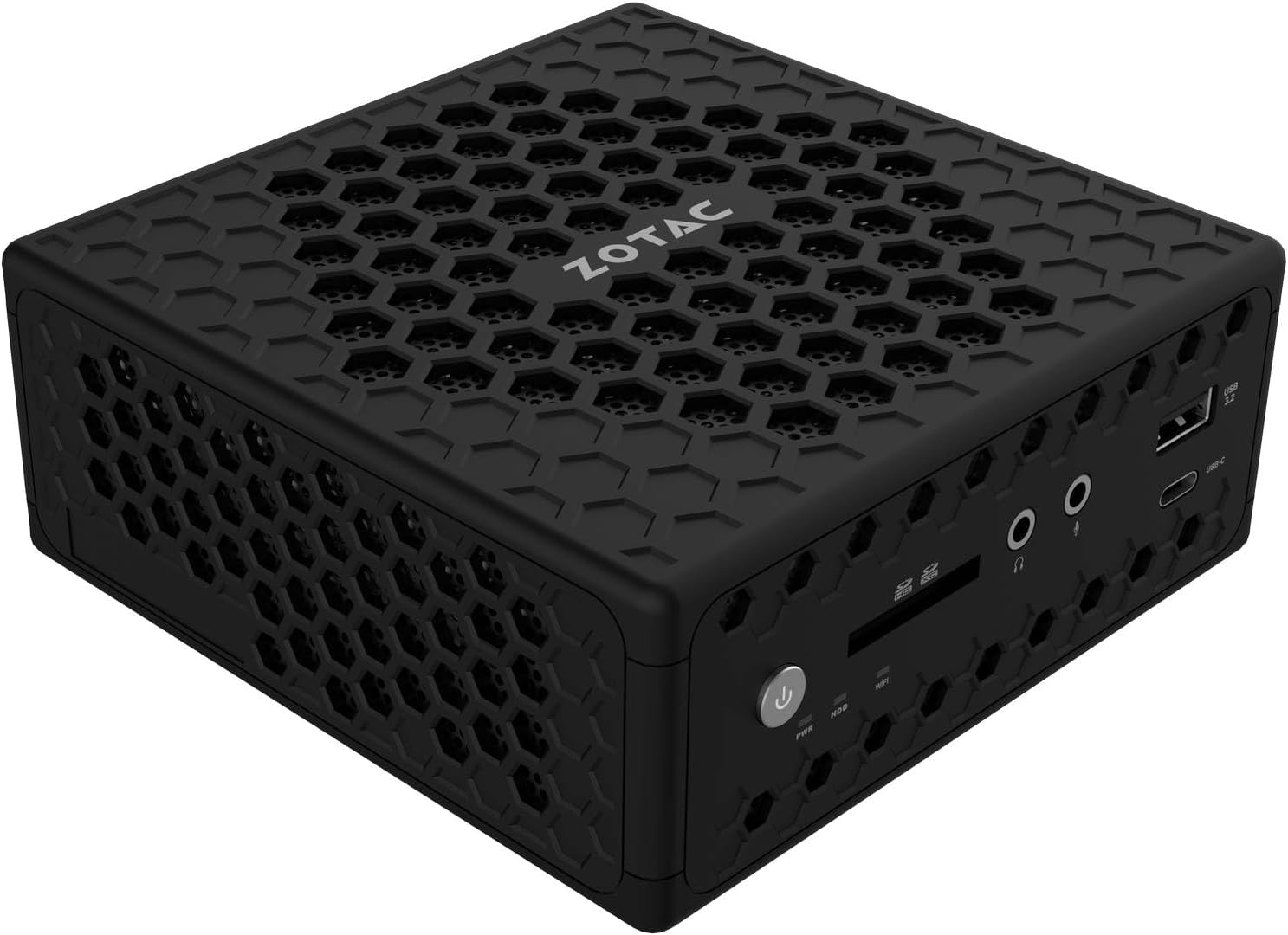
ZOTAC ZBOX CI337 nano
Sold without memory, storage or Windows: you add a DDR5 module and a drive. In return you get two LAN ports, a 2.5-inch bay and a long warranty.
Check current price on AmazonZOTAC’s 0.9-litre box (128 × 127 × 57mm) is the largest here, which leaves room for a big heatsink and a 2.5-inch SATA bay next to an M.2 2242 slot (PCIe 3.0 x1 or SATA). Two Gigabit ports suit a simple network appliance or separate networks, and three display outputs drive three 4K screens. ZOTAC rates it at about 20W under full load and offers a 3-year warranty, extended by two years on registration. Budget for the memory module, the drive and a Windows licence when you compare it with the ready-to-use models.
- Dual LAN
- 2.5-inch bay plus M.2 slot
- Three 4K displays
- Long warranty (3 + 2 years)
- Memory, storage and OS sold separately
- Gigabit only, no 2.5GbE
- 16GB maximum, slow M.2 2242 slot
- Bulkiest of the four
Comparison table
| Model | CPU | Memory | Screens | LAN | Wi-Fi | Auto power-on | Best for |
|---|---|---|---|---|---|---|---|
| MINIX Z150-0dB | N150 · 4C | 16GB, upgradeable | 2 | 2.5GbE | Wi-Fi 6 | Yes | Most people, always-on |
| MINIX NEO Z300-0dB | i3-N300 · 8C | 16GB, upgradeable | 2 | 2.5GbE | Wi-Fi 6 | Yes | Heavier multitasking |
| MeLE Quieter 4C | N100 / N150 · 4C | 8–16GB, soldered | 3 | Gigabit | Wi-Fi 5 | Yes | Smallest footprint |
| ZOTAC CI337 nano | N100 · 4C | Not included (DDR5, 16GB max) | 3 | 2× Gigabit | Wi-Fi 6 | Check BIOS | DIY, dual LAN |
Not sure which chip you need? Our Intel N150 vs N100 vs N97 comparison explains the differences — they are smaller than the names suggest.
Placement and heat
A fanless PC needs free air around its case: mount it on a VESA bracket or leave a few centimetres of space on every side.
- Behind a monitor (VESA): the best spot — air flows on all sides and the box disappears.
- On a desk: keep a few centimetres of space around it and don’t stack anything on top.
- In a TV cabinet: only if the cabinet is ventilated and the PC is not next to other hot devices.
- Avoid: closed drawers, cable trays and sealed boxes.
Power draw is low. CNX Software measured N100 mini PCs at about 8–10W at idle with a monitor and peripherals connected, which is roughly 70–90 kWh a year if left on around the clock.
When you outgrow fanless
For more speed with very little noise, a fan-cooled N150 such as the Beelink EQ14 or GMKtec G3 Plus stays quiet in everyday use. For heavier work, look at a Ryzen mini PC in our best mini PCs under $500; for AI, see our local AI guide.
FAQ
What is the best fanless mini PC in 2026?
For most people, the MINIX Z150-0dB: an Intel N150, upgradeable memory, 2.5GbE, Wi-Fi 6 and auto power-on. Choose the 8-core MINIX Z300-0dB for heavier multitasking, the MeLE Quieter 4C for the smallest box with three screens, and the ZOTAC CI337 nano if you want to add your own memory and storage.
Are fanless mini PCs good for everyday use?
Yes, for web browsing, office work, video calls and 4K streaming. They are not suited to gaming, video editing, local AI or long heavy workloads, where a fan-cooled mini PC is faster.
Do fanless mini PCs overheat?
Not when placed with free airflow. The case gets warm because it is the heatsink, and under long heavy loads the chip may slow down slightly to stay within its limits. Avoid closed cabinets and drawers; a VESA mount behind a monitor is ideal.
MINIX Z150-0dB or Z300-0dB?
Both share the same case, ports and server features. The Z150 has a 4-core N150 and is cheaper; the Z300 has an 8-core Core i3-N300 with about twice the multi-core speed. Light office and media use: Z150. Many apps or containers at once: Z300 (or the newer Z350).
Can a fanless mini PC be a home server?
Yes, for light services such as Home Assistant, Pi-hole, a VPN, file sharing or Plex with Quick Sync. Auto power-on matters for unattended use, and all three ready-to-use picks support it. For several virtual machines, choose the 8-core Z300 or a fan-cooled Ryzen model.
Related
- Intel N150 vs N100 vs N97
- Beelink EQ14 review
- GMKtec G3 Plus review
- Best mini PC for NAS and home server
- Best mini PC for home office
Sources
- CNX Software, MINIX NEO Z150-0dB specifications
- CNX Software, MINIX NEO Z300-0dB specifications
- Notebookcheck, MINIX NEO Z350-0dB announcement
- CNX Software, MeLE Quieter4C specifications
- ZOTAC, ZBOX CI337 nano product page
- CNX Software, N95 vs N97 vs N100 vs i3-N305 benchmarks (fanless vs fan-cooled, idle power)