
Best Monitor for a Mini PC (2026): 7 Picks From Budget Office Screens to 4K OLED
A mini PC comes without a screen, and the monitor ends up costing as much attention as the computer. The right one depends less on the panel than on your mini PC’s video outputs, your desk, and whether you want to hide the PC behind the screen. Here is how to choose, and seven monitors that fit the most common mini PC setups.
In short
Most mini PC owners need a 24- or 27-inch 1080p screen at 100 to 144Hz, with HDMI and VESA holes so the PC can hang behind it. The Amazon Basics 120Hz monitors are the simple budget choice, and the 27-inch adds a USB hub. Choose the Dell SE2426H for a 144Hz 24-inch from a major brand, the Dell UltraSharp U2725QE for a one-cable 4K desk, and a 1440p high-refresh screen only if your mini PC can game.
- 1Amazon Basics 23.8″ 120HzBest budget office screenDetails
- 2Amazon Basics 27″ 120Hz IPSBudget 27-inch with a USB hubDetails
- 3Dell SE2426H24-inch 144Hz IPS from a major brandDetails
- 4Sceptre E275W-FW100TBudget 27-inch with speakersDetails
- 5Sansui ES-G27C1QBudget 1440p 200Hz curved for gamingDetails
- 6Dell UltraSharp U2725QESingle-cable 4K for workDetails
- 7ASUS ROG Swift PG27UCDM4K 240Hz OLED for gaming mini PCsDetails
How to choose a monitor for a mini PC
Start with the mini PC’s video outputs, then pick the size and resolution for your desk, the refresh rate for your use, and check for VESA holes if you want to mount the PC behind the screen.
- Ports first. Most mini PCs have HDMI 2.0, often DisplayPort 1.4, and sometimes a USB-C or USB4 port with video. HDMI 2.0 carries 4K at 60Hz, or 1080p and 1440p at up to about 144Hz. Above that (1440p at 165 to 200Hz, 4K at 120Hz or more), you need DisplayPort, USB-C or HDMI 2.1 on both sides.
- Resolution for your use. 1080p is sharp enough at 24 inches and easy on integrated graphics. 1440p is the sweet spot at 27 inches for work. 4K at 27 inches gives the crispest text, but games on integrated graphics will not run at that resolution.
- Refresh rate. 100 to 144Hz makes scrolling and the mouse feel smoother, even for office work, and costs little more than 60Hz now. 165Hz and above matters only for games your mini PC can actually run that fast.
- VESA mount. Most mini PCs include a bracket for 75 or 100 mm VESA holes. If you want the cleanest desk, check that the monitor has them, and that the bracket will not block its ports.
- Extras that replace accessories. Speakers (most mini PCs have none), a USB hub (handy when the PC is hidden), or a USB-C port that carries video, USB and power in one cable.
Our mini PC desk setup guide covers mounting, keyboards, hubs and speakers around the screen.
| Monitor | Size · resolution | Refresh · panel | Inputs | Best for |
|---|---|---|---|---|
| Amazon Basics 23.8″ | 23.8″ · 1080p | 120Hz · IPS | HDMI, DP, VGA | Budget office desk |
| Amazon Basics 27″ | 27″ · 1080p | 120Hz · IPS | HDMI, DP, VGA · 4-port USB hub | Budget 27-inch, hidden PC |
| Dell SE2426H | 23.8″ · 1080p | 144Hz · IPS | 2× HDMI | Smooth 24-inch, two HDMI sources |
| Sceptre E275W-FW100T | 27″ · 1080p | 100Hz · VA | 2× HDMI 2.0, DP 1.2 · speakers | Budget screen with sound |
| Sansui ES-G27C1Q | 27″ curved · 1440p | 200Hz · VA | 2× HDMI 2.0, 2× DP 1.4 | Gaming mini PCs on a budget |
| Dell UltraSharp U2725QE | 27″ · 4K | 120Hz · IPS Black | Thunderbolt 4 (140W), HDMI · hub, Ethernet, KVM | One-cable work desk |
| ASUS ROG PG27UCDM | 27″ · 4K | 240Hz · QD-OLED | DP 2.1, 2× HDMI 2.1, USB-C (90W) | Mini PCs with a desktop GPU |
Sources: Amazon listings, ifun.de (Amazon Basics), JB Hi-Fi (Dell SE2426H), DisplayNinja (Sceptre), Expert Reviews (Dell U2725QE), 3DTested (ASUS). Prices change daily; the buttons show the current one.
1. Amazon Basics 23.8″ 120Hz: best budget office screen
A plain 1080p screen with a 120Hz refresh rate, HDMI and DisplayPort, and VESA holes: everything an office mini PC needs, and nothing it doesn’t.
Amazon introduced its 120Hz Basics monitors in early 2026. According to ifun.de’s coverage of the launch, both sizes use IPS panels, reach 120Hz over HDMI or DisplayPort (VGA tops out at 75Hz), support adaptive sync, cover most of the sRGB range and draw about 19W in typical use. An HDMI cable is included. At 23.8 inches, 1080p gives sharp enough text, and any mini PC, from an Intel N150 box to a Ryzen 7, drives it at full refresh over HDMI 2.0.
It is not a monitor for color work or long gaming sessions: specs are basic, and we found no independent measurements yet. As a first screen for an office or family mini PC mounted behind it, it is hard to beat on simplicity.
Amazon Basics 23.8-inch 120Hz monitor
1080p at 120Hz with HDMI, DisplayPort and VGA, adaptive sync and VESA mounting: a simple first screen for any mini PC.
Check current price on Amazon- 120Hz over HDMI or DisplayPort
- VESA holes for a mini PC bracket
- HDMI cable included
- Basic stand
- No independent tests yet
2. Amazon Basics 27″ 120Hz IPS: budget 27-inch with a USB hub
The same idea in 27 inches, plus a four-port USB hub that brings ports back to the desk when the mini PC is hidden behind the screen.
The 27-inch model adds a USB upstream port and a four-port USB hub, one port with fast charging (ifun.de). For a mini PC on a VESA bracket, that hub is the useful part: plug one USB cable from the PC to the monitor, and your keyboard receiver, webcam and flash drive connect at the screen. The trade-off is resolution: 1080p stretched to 27 inches looks softer in text than a 1440p screen, so sit a little further back or choose 1440p if you read documents all day.
Amazon Basics 27-inch 120Hz IPS monitor
27-inch IPS at 1080p and 120Hz with HDMI, DisplayPort, VGA and a four-port USB hub, VESA compatible.
Check current price on Amazon- Built-in 4-port USB hub
- IPS panel, 120Hz
- VESA compatible
- 1080p is soft for text at 27 inches
- No speakers listed
3. Dell SE2426H: 24-inch 144Hz IPS from a major brand
A 23.8-inch 1080p IPS screen at 144Hz with AMD FreeSync and two HDMI ports, for buyers who want a known brand’s support.
Dell’s SE2426H runs a little faster than the Amazon Basics (144Hz, 1ms) and carries a TÜV 3-star eye-comfort certification according to its Amazon listing. Its inputs are two HDMI ports and no DisplayPort (JB Hi-Fi’s spec sheet), which is fine for a mini PC: HDMI 2.0 carries 1080p at 144Hz, and the second input can take a laptop or a console. VESA 100 × 100 mm holes accept a mini PC bracket. The stand only tilts.
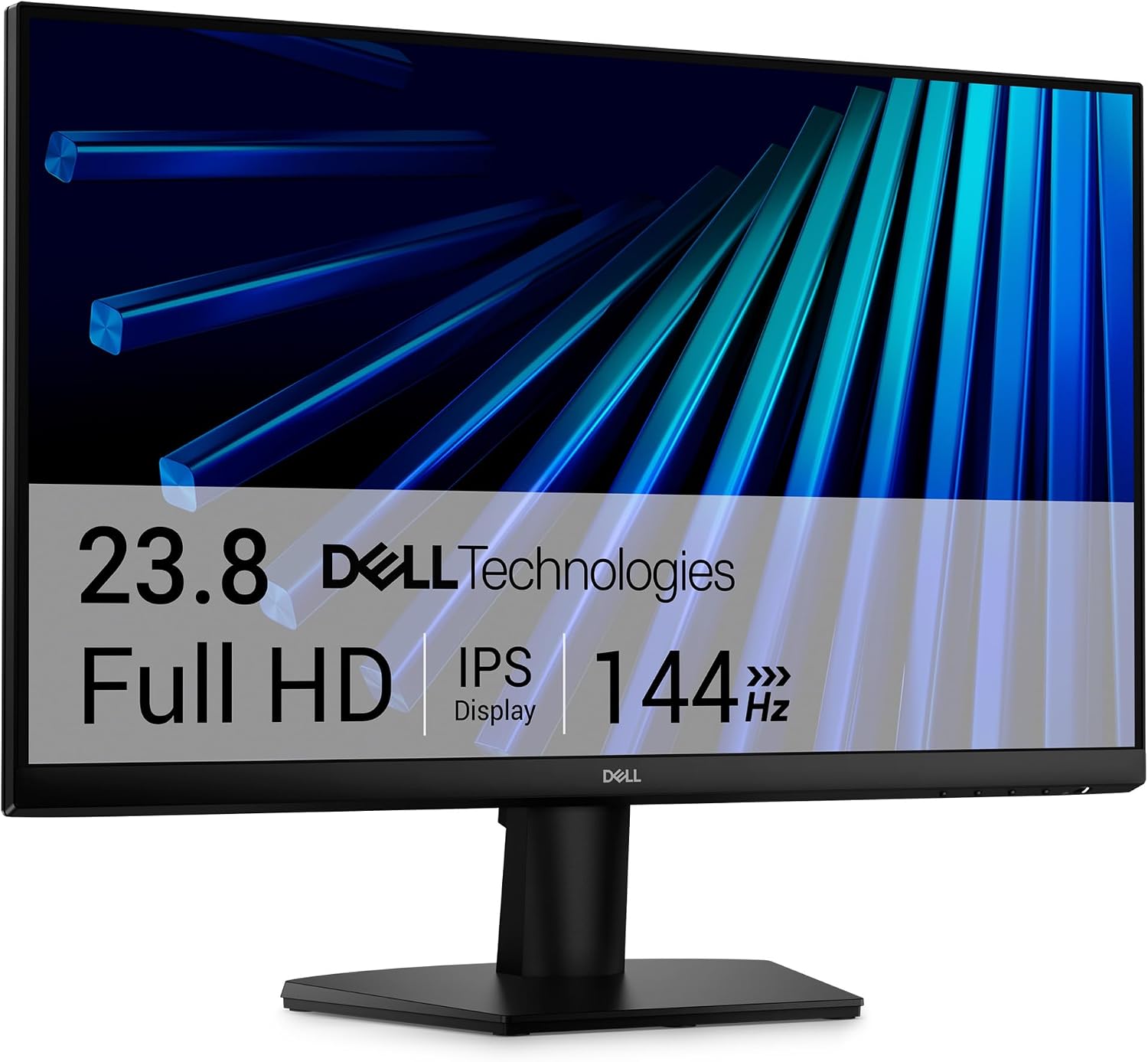
Dell SE2426H 24-inch 144Hz monitor
23.8-inch IPS, 1080p at 144Hz with FreeSync, two HDMI inputs and VESA 100 mm mounting.
Check current price on Amazon- 144Hz IPS
- Two HDMI inputs
- Dell support
- No DisplayPort
- Tilt-only stand
4. Sceptre E275W-FW100T: budget 27-inch with speakers
A 27-inch 1080p VA screen at 100Hz with built-in speakers, so a mini PC without speakers has sound out of the box.
DisplayNinja’s review lists a VA panel with a high 3,000:1 contrast ratio, 280 nits, two HDMI 2.0 ports, DisplayPort 1.2, a headphone jack, dual 2W speakers and VESA 100 mm holes, with FreeSync from 48 to 100Hz. The reviewer calls it “a decent budget monitor”, with a tilt-only stand, some ghosting in fast motion and soft text at 1080p as the main weaknesses. Speakers this small will not replace desktop speakers for music, but they make video calls and YouTube work without extra hardware.
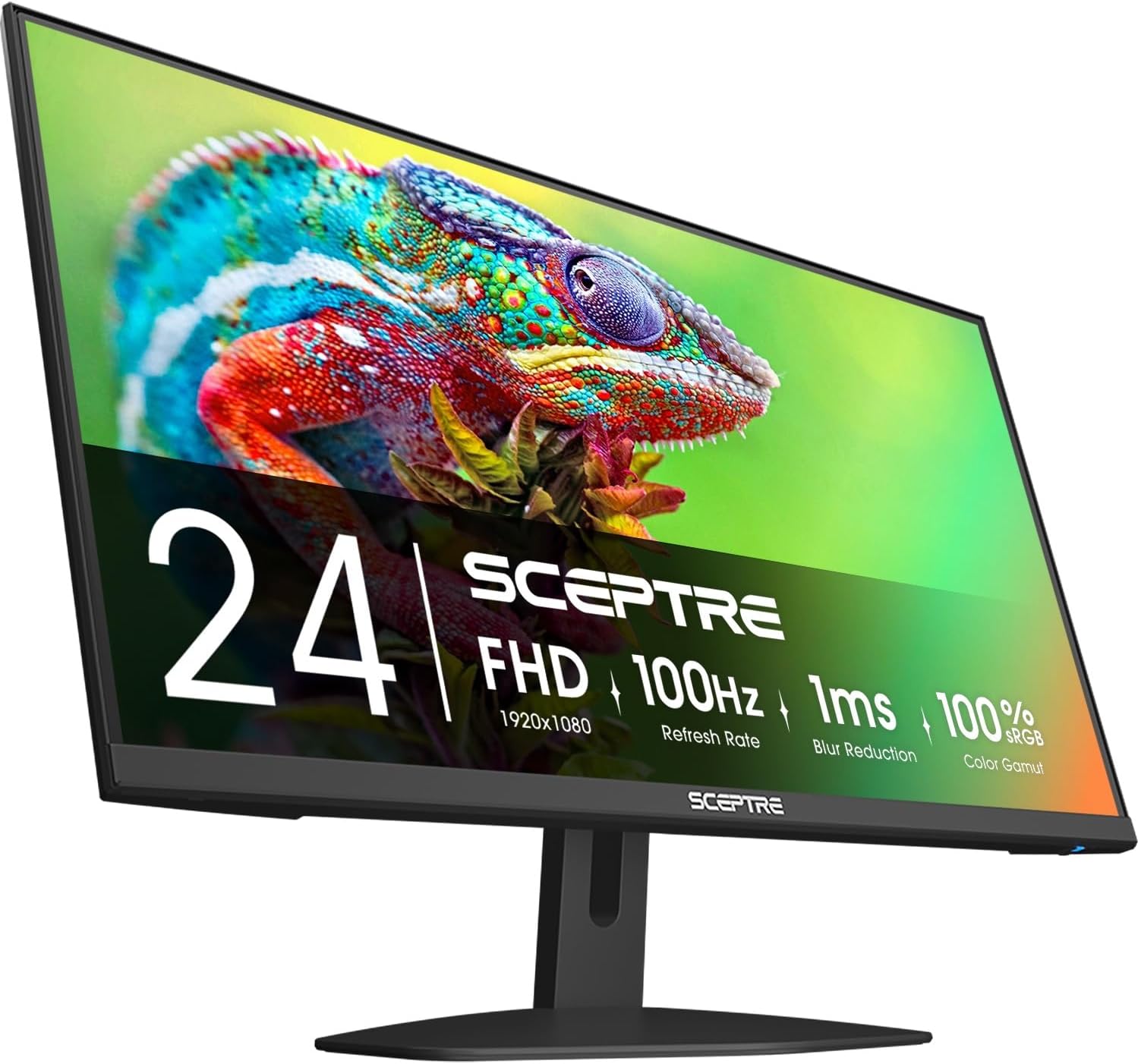
Sceptre E275W-FW100T 27-inch 100Hz
27-inch 1080p VA at 100Hz with high contrast, two HDMI ports, DisplayPort and dual speakers, VESA compatible.
Check current price on Amazon- Speakers built in
- High contrast VA panel
- HDMI ×2 and DisplayPort
- Some ghosting in fast motion
- Tilt-only stand
- Soft text at 27 inches
5. Sansui ES-G27C1Q: budget 1440p 200Hz curved for gaming
A 27-inch curved 1440p screen at 200Hz for mini PCs that can game, such as Radeon 780M or 890M models. Use DisplayPort: HDMI 2.0 cannot carry 1440p at 200Hz.
Sansui lists a 1500R curve, a 5,000:1 contrast ratio (a VA panel; a similar Sansui model at Staples is listed as “Fast VA”), 120% sRGB, HDR support, FreeSync, two HDMI 2.0 and two DisplayPort 1.4 inputs, with a DisplayPort cable in the box. For a mini PC, that DisplayPort cable matters: over HDMI 2.0 you are limited to about 144Hz at 1440p, so connect it to the PC’s DisplayPort or USB-C video output to reach 200Hz. On integrated graphics, most games will run well below 200 fps at 1440p; the high refresh mostly pays off in esports titles and with an external or dedicated GPU. We found no independent review of this exact model, and curved screens can make a rear-mounted mini PC awkward, so check the VESA details on the listing.
Sansui ES-G27C1Q 27-inch 1440p 200Hz curved
27-inch curved WQHD at 200Hz with FreeSync, two DisplayPort 1.4 and two HDMI 2.0 inputs, DisplayPort cable included.
Check current price on Amazon- 1440p at 200Hz for the price
- Two DisplayPort inputs
- High contrast
- Needs DisplayPort for 200Hz
- No independent review yet
- Curve makes rear mounting harder
If your mini PC is not a gaming model, check our gaming mini PC guide before paying for 200Hz.
6. Dell UltraSharp U2725QE: single-cable 4K for work
A 27-inch 4K IPS Black screen at 120Hz that doubles as a dock: Thunderbolt 4 with up to 140W of power, a USB hub, Ethernet and a KVM switch. With a USB4 or Thunderbolt mini PC, one cable does everything.
Expert Reviews measured 97% of DCI-P3, 100% of sRGB, about 2,000:1 contrast (Dell claims 3,000:1), 408 nits in SDR and very accurate factory colors, with a height-adjustable stand that also swivels and rotates to portrait. The connectivity is the point for a mini PC: a Thunderbolt 4 upstream port, a second Thunderbolt 4 port to daisy-chain another screen, HDMI, two USB-C and four USB-A ports, audio out and Ethernet. Plug a mini PC with USB4 into it and video, the monitor’s USB ports and wired networking travel over one cable; a mini PC that accepts USB-C power input, like the Intel version of the ACEMAGIC K5, can even draw its power from the monitor.
The reviewer’s reservations: backlight uniformity varied by up to 15% on their unit, and motion response is slow for gaming. For office work, code and photo editing on a mini PC desk, it is the screen that removes the most clutter.
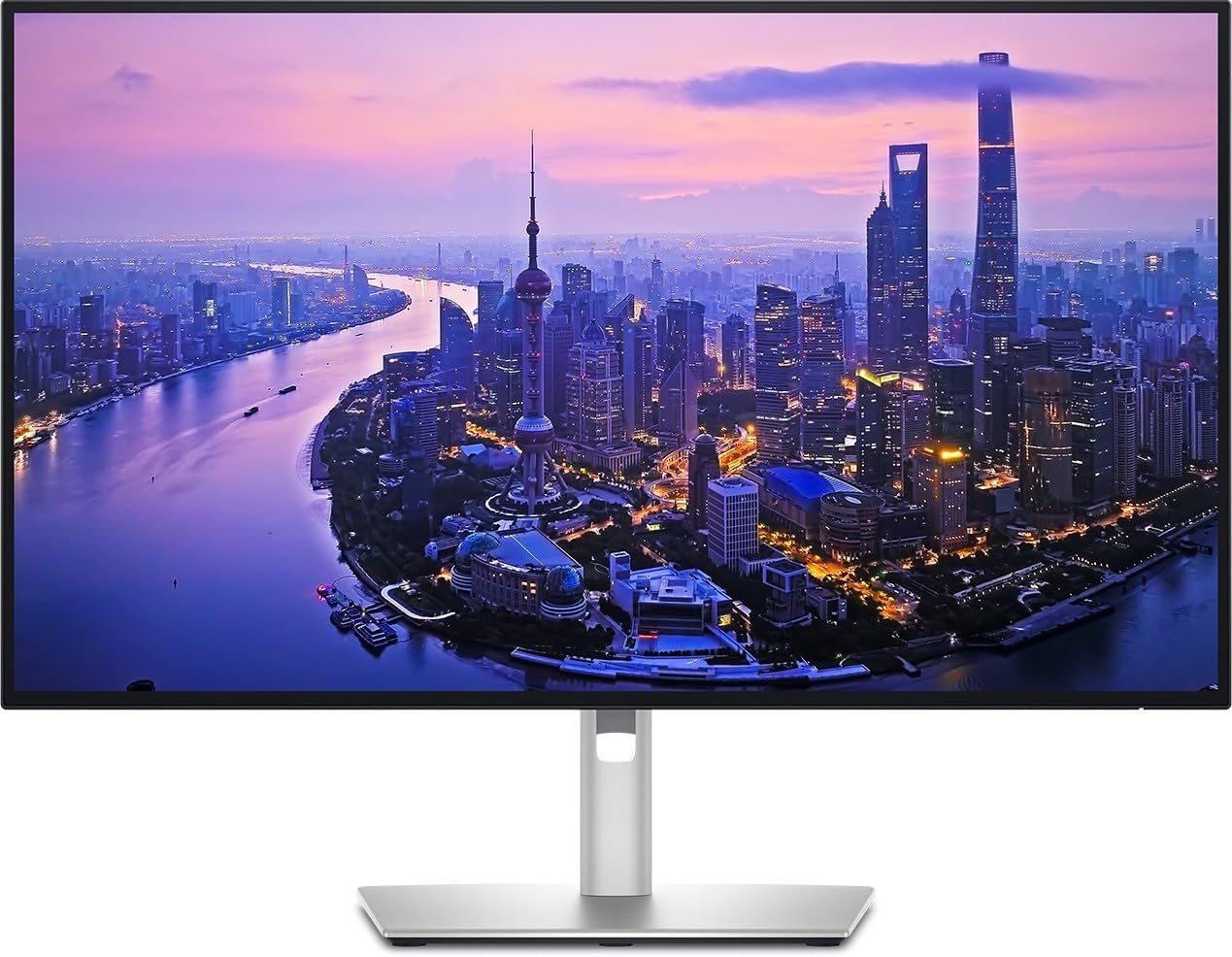
Dell UltraSharp U2725QE 27-inch 4K
27-inch 4K IPS Black at 120Hz with Thunderbolt 4 (up to 140W), daisy-chaining, USB hub, Ethernet and KVM.
Check current price on Amazon- One cable for video, USB, network and power
- Accurate colors, 4K text
- Full ergonomic stand
- Expensive
- Uneven backlight on the tested unit
- Slow for fast games
7. ASUS ROG Swift OLED PG27UCDM: 4K 240Hz for gaming mini PCs
A 27-inch 4K QD-OLED gaming monitor at 240Hz with DisplayPort 2.1. It only makes sense with a mini PC that has a desktop-class graphics card, such as the GMKtec NEO-X1 Pro.
3DTested lists DisplayPort 2.1 at 80 Gbps, two HDMI 2.1 ports, a USB-C port with DisplayPort and 90W of power, and a KVM switch, measured 465 nits on a 25% window and named it an Editor’s Choice; its only listed con is the lack of speakers. ASUS adds OLED care features (pixel cleaning, logo dimming, a proximity sensor that dims the screen when you leave) and a 3-year warranty. For a mini PC, the limit is the graphics: integrated GPUs will not render games at 4K anywhere near 240 fps. Pair it with a compact desktop like the GMKtec NEO-X1 Pro (RTX 5070, DisplayPort 2.1b), not with a 1080p-class box.
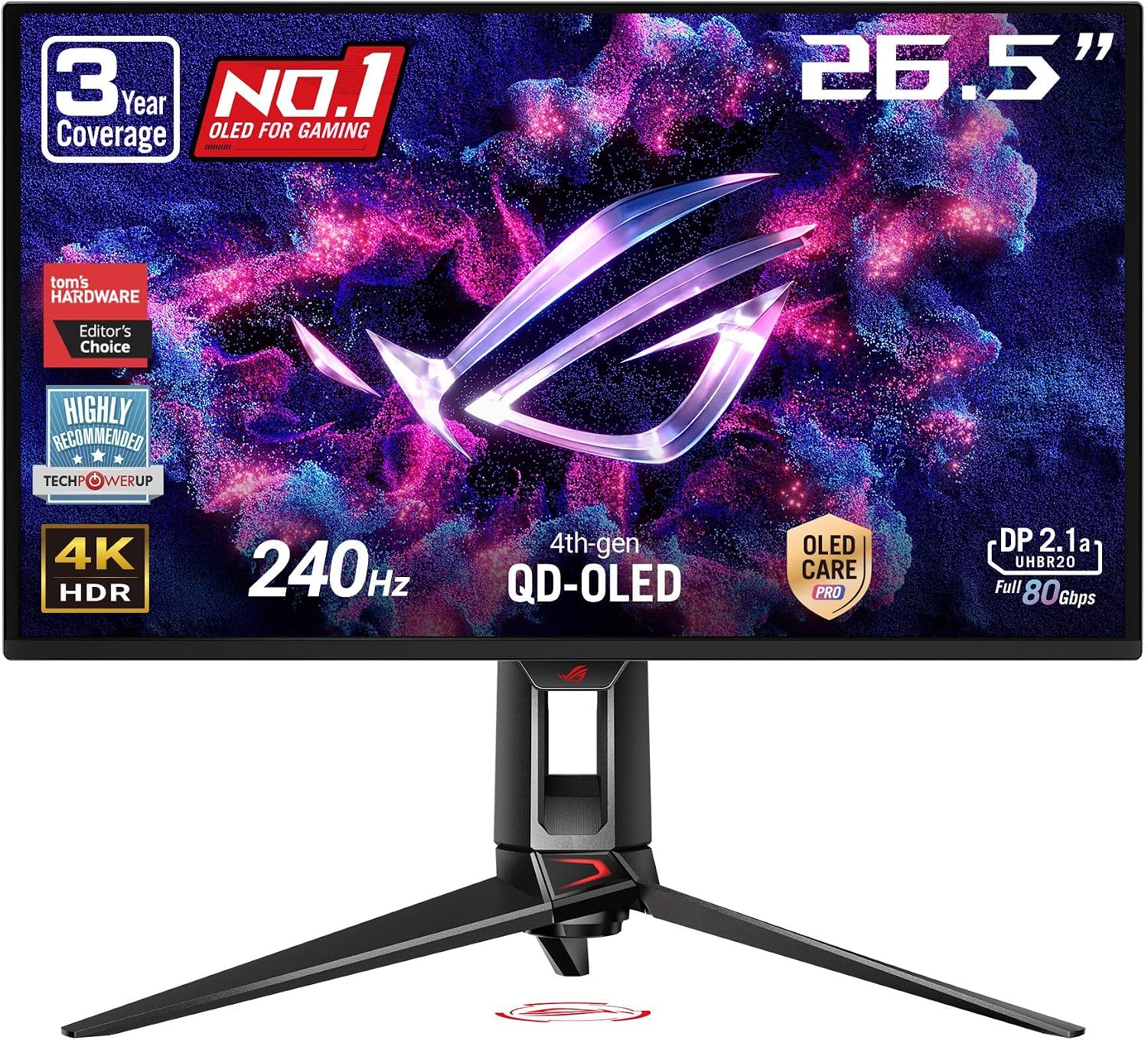
ASUS ROG Swift OLED PG27UCDM 27-inch 4K 240Hz
27-inch 4K QD-OLED at 240Hz with DisplayPort 2.1, two HDMI 2.1 ports, USB-C 90W and OLED care features.
Check current price on Amazon- 4K at 240Hz on OLED
- DisplayPort 2.1 and HDMI 2.1
- Strong reviews
- Needs a dedicated GPU to make sense
- No speakers
- High price
Mount the mini PC behind your monitor
Screw the mini PC’s VESA bracket into the monitor’s 75 or 100 mm holes and slide the PC onto it: the desk keeps only the screen and the cables you touch.
The Amazon Basics, Dell SE2426H and Sceptre all list VESA mounting. Before you buy, check three things: the holes are not already used by a monitor arm (an arm plate can carry both with longer screws), the bracket leaves the monitor’s own ports reachable, and your HDMI and power cables reach behind the screen. Leave a finger’s width of air around the mini PC’s vents. A small USB hub on the desk, or the USB hub built into the Amazon Basics 27-inch, brings the ports back within reach. Our desk setup guide has the full checklist.
Two or three monitors on a mini PC
Most Ryzen mini PCs drive three screens (HDMI, DisplayPort and USB-C), and many recent Intel models do too. Mix inputs: one screen per output, each at a refresh rate that output supports.
Three 1080p or 1440p screens are well within the reach of integrated graphics for office work. Check your mini PC’s listing for the maximum number of displays and the resolution of each output, and make sure each monitor has the matching input: the Dell SE2426H has only HDMI, for example, so pair it with a monitor that takes DisplayPort or USB-C for the second output. For a portable second screen, see our portable monitors and dual-screen setups.
FAQ
What monitor is best for a mini PC?
For office work, a 24- or 27-inch 1080p screen at 100 to 144Hz with HDMI and VESA holes, such as the Amazon Basics 120Hz models or the Dell SE2426H. For a one-cable desk, a USB-C or Thunderbolt monitor such as the Dell UltraSharp U2725QE. For gaming, a 1440p high-refresh screen, connected by DisplayPort.
Can a mini PC run a 4K monitor?
Yes, for desktop work and video: almost every current mini PC outputs 4K at 60Hz over HDMI 2.0, and DisplayPort 1.4 or USB-C allows higher refresh rates. Gaming at 4K is another matter: integrated graphics are designed for 1080p, so a 4K high-refresh gaming monitor only makes sense with a mini PC that has a dedicated graphics card.
Do I need DisplayPort or is HDMI enough?
HDMI 2.0 is enough for 1080p at 120 to 144Hz and for 4K at 60Hz. For 1440p above about 144Hz, or 4K above 60Hz, use DisplayPort 1.4, USB-C with DisplayPort, or HDMI 2.1 if both the mini PC and the monitor support it.
Can I mount my mini PC behind the monitor?
Yes, if the monitor has 75 or 100 mm VESA holes and you are not already using them for a wall mount or arm (an arm can carry both with a longer-screw kit). Most mini PCs ship with a VESA bracket. Leave room for air and check that the bracket does not block the monitor’s ports.
Can a monitor power a mini PC through USB-C?
Only if the mini PC accepts USB-C power input, which few do; the Intel version of the ACEMAGIC K5 accepts up to 100W, for example. With such a mini PC, a monitor like the Dell UltraSharp U2725QE, which delivers up to 140W over Thunderbolt 4, can carry power, video and USB over one cable.
Related
Sources
- ifun.de, Amazon Basics Full HD monitors with 120Hz (Feb 25, 2026, in German): panels, ports, USB hub, power
- JB Hi-Fi, Dell SE2426H specifications (inputs, VESA, contrast)
- DisplayNinja, Sceptre E275W-FW100T review (Sep 24, 2025)
- Staples, Sansui 27″ curved QHD VA 200Hz (S27C1QK), sister model specifications
- Expert Reviews, Dell UltraSharp U2725QE review (Aug 15, 2025): measurements, ports, stand
- 3DTested, ASUS ROG Swift PG27UCDM review: ports, brightness, OLED care
- HDMI Licensing Administrator, HDMI 2.0 specification overview (4K at 60Hz)
- Amazon listings of the seven monitors (titles and listed features), checked October 2026