
Best Mini PC for Emulation 2026:
From Retro to PS3 & Switch
A $229 mini PC plays every game made before 2001 flawlessly. A $489 mini PC handles PS3 and Switch. In 2026, you don’t need a gaming PC to build a serious emulation setup — you need the right mini PC and the right software. Here’s exactly what to buy.
Best for retro (NES → PS2/GameCube): GMKtec NUC Box G3 Plus (~$229, N150) — handles everything up to PS2 and GameCube at native resolution with Batocera or RetroArch.
Best for PS3 & Switch: BOSGAME M4 (~$489, Ryzen 7 8745HS, 32GB) — runs most PS3 titles at full speed in RPCS3, most Switch titles in Ryujinx.
Best all-around for demanding titles: Peladn HO5 (~$940, Ryzen AI 9 HX 370, Radeon 890M) — best iGPU for Vulkan-based emulators, handles all tiers.
The 3 Emulation Tiers — Which Do You Need?
The single most important question before buying: which consoles do you want to emulate? CPU requirements jump dramatically between tiers, and buying the wrong hardware is the most common mistake.
Emulation is primarily CPU-bound — it’s about how accurately and how fast your processor can re-create a console’s hardware in software. GPU matters for upscaling and shader effects, but the CPU bottleneck is what determines whether a game runs at full speed or not. Single-core performance is especially important: most emulators rely heavily on single-threaded execution speed rather than spreading load across many cores.
NES · SNES · GBA · Genesis · Arcade (MAME) · PSP · PS1 · N64 · Dreamcast
Hardware needed: Intel N100 or N150 is more than sufficient. These systems require modest CPU power and the iGPU handles everything easily. A $159–$229 mini PC covers this entire tier perfectly. Even upscaling to 4K is generally smooth on N150 for 2D systems.
PS2 · GameCube · Wii (with upscaling)
Hardware needed: N150 handles PS2 and GameCube at native resolution for most titles — shader pre-caching in Batocera/RetroArch is required, and some demanding games may stutter. For upscaling to 1080p or 4K, a Ryzen 7 APU is strongly recommended. The BOSGAME M4’s Ryzen 7 8745HS handles 4K upscaling in Dolphin and PCSX2 smoothly.
PS3 (RPCS3) · Nintendo Switch (Ryujinx) · Wii U (Cemu)
Hardware needed: Ryzen 7 minimum, 32GB RAM strongly recommended. RPCS3 alone uses 4–8GB for shader cache, making 16GB systems frequently unstable during PS3 emulation. Switch titles via Ryujinx benefit from the Radeon iGPU for Vulkan rendering. Intel N-series chips are insufficient for this tier.
#1 — GMKtec NUC Box G3 Plus: Best Budget Retro Emulation Mini PC
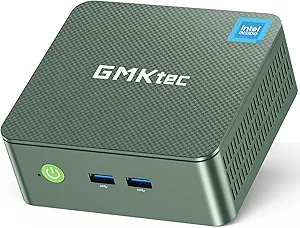
The most affordable dedicated emulation mini PC in 2026. The Intel N150’s single-core speed handles everything through PS2 and GameCube at native resolution, and Batocera installs and runs flawlessly from USB or internal SSD.
* PS2/GameCube: most titles run well at native resolution with shader pre-caching enabled. Some demanding titles (Shadow of the Colossus, F-Zero GX) may stutter. Source: hands-on N150 Batocera testing via Retro Handhelds (Feb 2025).
✓ Pros
- Best value retro emulation machine — ~$229
- N150 single-core speed ideal for older consoles
- Batocera installs flawlessly — zero-config salon setup
- Wi-Fi 6 + 2.5GbE for fast ROM transfers from NAS
- Quiet under emulation load
✕ Cons
- Cannot handle PS3 or Switch emulation
- PS2/GameCube upscaling limited
- Single 2.5GbE (not dual)
- No USB4 eGPU upgrade path for future
#2 — BOSGAME M4: Best for PS3 & Switch Emulation Under $500
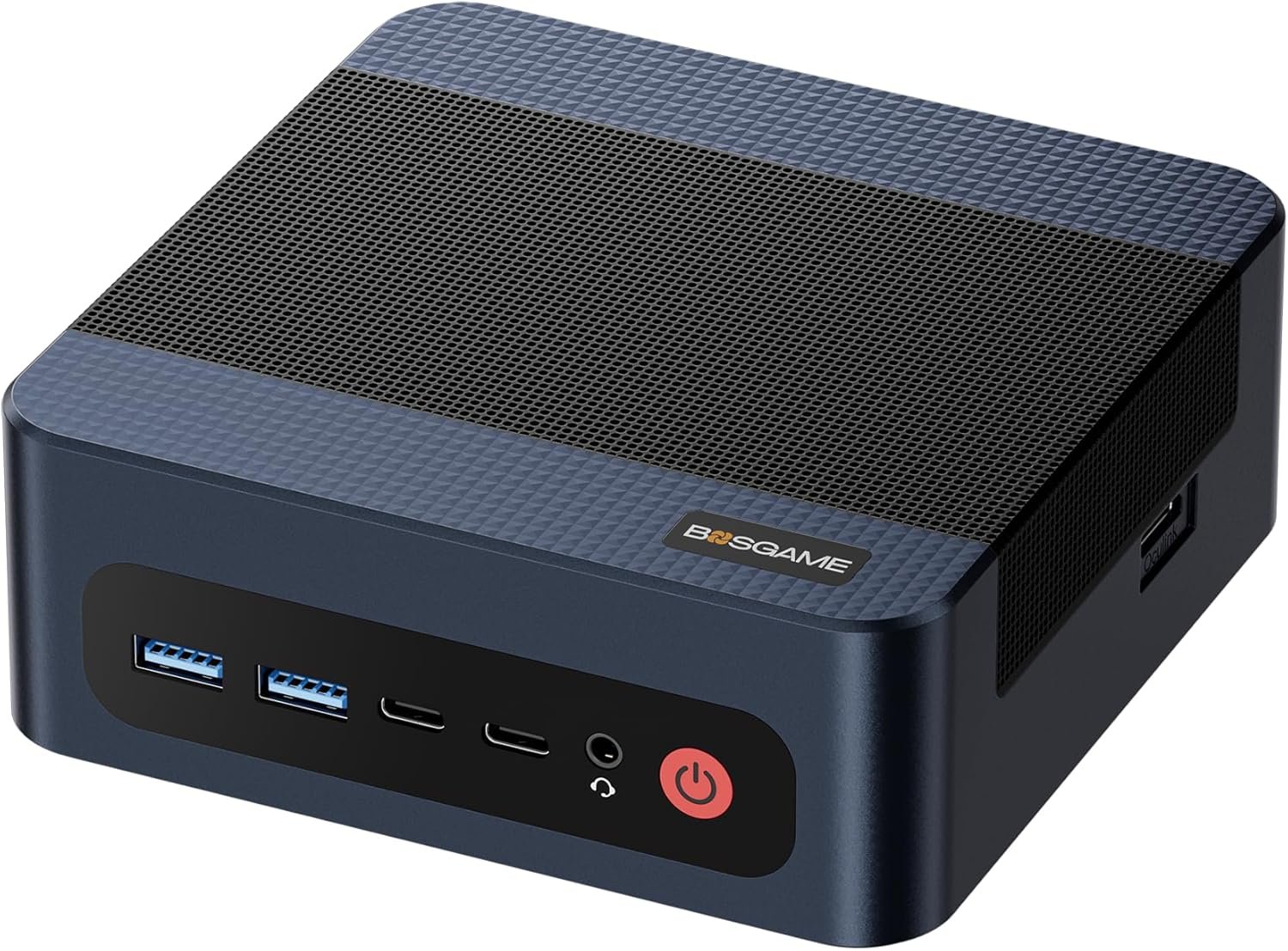
The sweet spot for serious emulation at ~$489. The Ryzen 7 8745HS delivers the single-core speed PS3 and Switch emulation need, 32GB covers RPCS3’s heavy shader cache demands, and the Radeon 780M handles Vulkan rendering for GPU-accelerated emulators.
* Most PS3 and Switch titles run at full speed. Some very demanding PS3 titles (The Last of Us, Gran Turismo 5) or Switch titles (Tears of the Kingdom) may have occasional frame drops — emulation accuracy limits, not CPU limits. Source: minipclab.com (Feb 2026), pcbuildadvisor.com (Dec 2025).
✓ Pros
- Full PS3 + Switch + Wii U emulation for $489
- Ryzen 7 8745HS — excellent single-core speed
- Radeon 780M — Vulkan backend for GPU emulation
- 32GB — eliminates RPCS3 shader cache issues
- Dual 2.5GbE for fast network ROM transfers
- OCuLink for future eGPU if needed
✕ Cons
- $489 — 2× the budget retro option
- Very demanding PS3/Switch titles may still drop fps
- No NPU for Windows AI features
#3 — Peladn HO5: Best iGPU Performance for Demanding Emulation
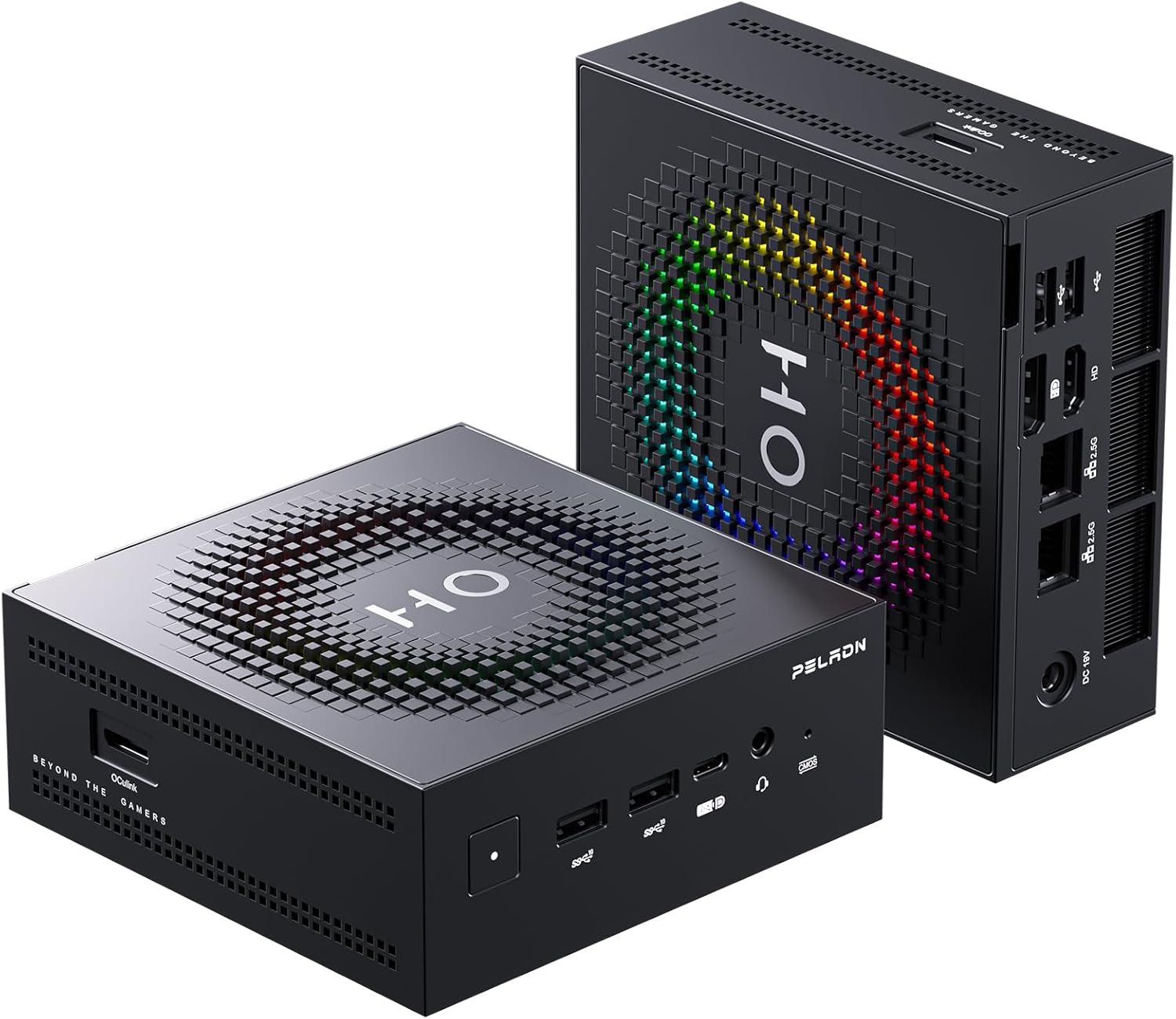
The Radeon 890M is the best integrated GPU available in any mini PC for emulation in 2026. It outperforms the Radeon 780M (BOSGAME M4) by 20–30% in GPU-bound emulation scenarios — demanding PS3 titles, high-resolution Switch upscaling, and 4K GameCube/Wii rendering all benefit from this headroom.
The key advantage is the Radeon 890M (16 CU RDNA 3.5) — four more compute units than the 780M in the BOSGAME M4, with a newer architecture. For RPCS3 and Ryujinx using the Vulkan backend, GPU performance translates directly to higher stable frame rates in GPU-bound titles and faster shader compilation. For most users and most games, the BOSGAME M4 is sufficient. The HO5 makes the difference on the most demanding titles and at 4K upscaling.
✓ Pros
- Radeon 890M — best iGPU for Vulkan emulation
- 12-core CPU handles any emulator workload
- OCuLink eGPU path for future upgrade
- Wi-Fi 7 for fast wireless ROM library access
- Also excellent for gaming, AI, home office
✕ Cons
- $940 — 2× the BOSGAME M4 for marginal emu gain
- For most titles, BOSGAME M4 is equally good
- Soldered RAM — no upgrade path
Full Comparison: Mini PCs for Emulation 2026
| Model | Price | Retro (NES→PS2) | PS2/GameCube 4K | PS3 (RPCS3) | Switch (Ryujinx) |
|---|---|---|---|---|---|
| GMKtec G3 Plus | ~$229 | Perfect | Native res only | Cannot | Cannot |
| Beelink EQ14 | ~$200 | Perfect | Native res only | Cannot | Cannot |
| BOSGAME M4 | ~$489 | Perfect | Excellent · 4K | Most titles ✓ | Most titles ✓ |
| Peladn HO5 | ~$940 | Perfect | Perfect · 4K max | All titles ✓ | All titles ✓ |
Best Emulation Software for Mini PCs in 2026
Two setup philosophies: Batocera (Linux-based, zero config, best for living room) or Windows with standalone emulators (better PS3/Switch compatibility, more control).
Frequently Asked Questions
N150 emulation performance sourced from AceMagic Vista V1 Batocera hands-on review, Retro Handhelds (February 2025). PS3/Switch emulation requirements from minipclab.com (February 2026) and PCBuildAdvisor emulation guide (December 2025). Ryujinx recommendation from multiple community and review sources confirming Yuzu’s March 2024 shutdown. RAM requirements from RPCS3 documentation and community testing.