
Best Mini PC for Plex Server 2026: Top 5 + Setup Guide
A mini PC running Plex turns your home into a personal Netflix — your movies, your TV shows, streaming to any device in the house or over the internet. The right hardware makes the difference between smooth 4K playback and constant buffering. Here are the 5 best mini PCs for Plex in 2026, ranked by what actually matters: hardware transcoding, 24/7 power draw, and NAS connectivity.
Plex Media Server is free software that organises your personal media library — movies, TV shows, music, photos — and streams it to any device: smart TV, phone, tablet, browser, or streaming stick. It automatically fetches cover art, descriptions, and ratings, and presents everything in a polished Netflix-style interface. Unlike Netflix, you own the content and the server. A mini PC running Plex 24/7 costs a few dollars a month in electricity and gives you unlimited streaming from your own collection, anywhere in the world.
Best budget dedicated Plex server: Beelink EQ14 (Intel N150, ~$150–$180) — Quick Sync hardware transcoding, dual 2.5GbE for NAS, ~10W idle · runs for ~$13/year electricity. Best all-round (Plex + daily desktop): Beelink SER9 Pro AI or Peladn HO5 (Ryzen AI 9 HX 370) — AMD VCN with AV1 decode, 4K HDR tone mapping via Radeon 890M, and full desktop capability alongside Plex.
How Plex Works — What the Server Actually Does
Plex has two parts: the server (your mini PC) and the client (your TV, phone, or browser). The server organises your library and either streams the file directly or converts it on the fly if the client can’t play the original format.
When you access Plex on your smart TV, it sends a request to the server. If the file is already in a format the TV understands (H.264 MP4 for most devices), Plex streams it directly — direct play — using almost no server resources. Problems start when the client doesn’t support the file format, or when you’re streaming remotely with limited bandwidth, or when multiple users watch simultaneously. In these cases, Plex must transcode — convert the video in real time. This is where hardware matters.
Hardware vs Software Transcoding
Quick Comparison — All 5 Plex Picks
| # | Model | CPU | HW Transcoding | Idle Power | 2.5GbE | Best scenario |
|---|---|---|---|---|---|---|
| 1 | Beelink EQ14 | Intel N150 | Quick Sync ✓ | ~10W | Dual | Dedicated 24/7 Plex server |
| 2 | GMKtec G3 Plus | Intel N150 | Quick Sync ✓ | ~10W | Single | Compact server, behind TV |
| 3 | GEEKOM Air12 | Intel N95 | Quick Sync ✓ | ~12W | Gigabit | Plex + desktop, upgradeable RAM |
| 4 | Beelink SER9 Pro AI | Ryzen AI 9 HX 370 | VCN + AV1 ✓ | ~20W | Single | Plex + full desktop + gaming |
| 5 | Peladn HO5 | Ryzen AI 9 HX 370 | VCN + AV1 ✓ | ~20W | Dual | Plex + desktop + eGPU upgrade |
#1 — Beelink EQ14: Best Dedicated Plex Server
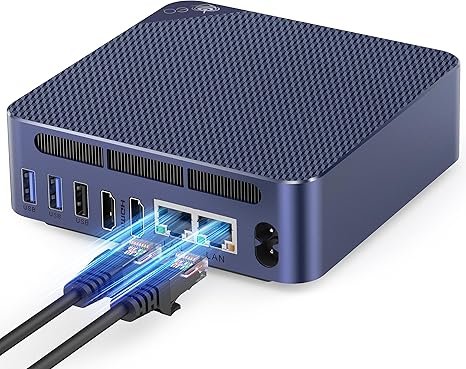
Beelink EQ14 — Intel N150 · Quick Sync HW Transcoding · Dual 2.5GbE · ~10W
The definitive budget Plex server: Intel Quick Sync hardware transcoding, dual 2.5GbE for NAS connectivity, and an idle power draw so low it practically runs for free 24/7.
The Beelink EQ14 is the correct choice if you want a dedicated Plex server that runs 24/7 in a cupboard or on a shelf, streaming to TVs and phones around the house, costing almost nothing in electricity. The Intel N150 (Alder Lake-N, 2023) carries Intel Quick Sync — this video engine handles H.264 and H.265 hardware transcoding at 10–20% CPU usage for streams that would completely saturate the processor in software mode. Three to four simultaneous 4K-to-1080p transcode streams run comfortably.
The dual 2.5GbE ports are the standout feature: one port connects to your router, the second creates a dedicated high-speed link to your NAS. At 2,500 Mbps per port, you have ample bandwidth for any realistic home media workload. At ~10W idle, annual electricity cost at $0.15/kWh running 24/7 is approximately $13 — essentially negligible.
✓ Pros
- Intel Quick Sync — H.264 + H.265 hardware transcoding
- Dual 2.5GbE — NAS dedicated port + router simultaneously
- ~10W idle — cheapest 24/7 running cost in this list
- Beelink brand — reliable hardware, established support
- Wi-Fi 6 — wireless backup connectivity
✕ Watch out for
- No AV1 hardware decode
- 4K HDR tone mapping very limited on Intel UHD
- N150 is slow for demanding desktop tasks
- Plex Pass required for hardware transcoding
#2 — GMKtec NUC Box G3 Plus: Most Compact Plex Server
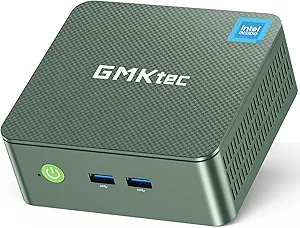
GMKtec NUC Box G3 Plus — Intel N150 · Quick Sync · Wi-Fi 6 · Ultra-Compact
Same Intel N150 Quick Sync transcoding performance as the EQ14 in a smaller chassis — ideal for hiding behind a TV or mounting inside an entertainment cabinet.
The GMKtec NUC Box G3 Plus uses the identical Intel N150 processor with the same Quick Sync hardware transcoding capabilities as the Beelink EQ14 above. For Plex performance, the two are essentially equivalent. The differentiator is form factor: the NUC Box G3 Plus is more compact, designed for living room placement or mounting behind a TV. The one practical difference: it has a single 2.5GbE port vs. dual on the EQ14. For 1–3 simultaneous users, this is rarely a bottleneck in practice.
✓ Pros
- Ultra-compact — hides behind a TV or in a cabinet
- Same N150 Quick Sync performance as EQ14
- Wi-Fi 6 — wireless streaming option
- ~10W idle — economical 24/7
✕ Watch out for
- Single 2.5GbE — no dedicated NAS + router split
- GMKtec smaller brand vs. Beelink’s community support
- Same N150 limitations: no AV1, limited HDR
#3 — GEEKOM Air12: Best Plex + Light Desktop Combo
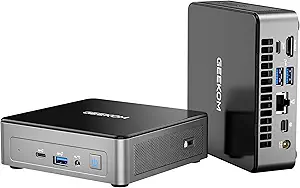
GEEKOM Air12 — Intel N95 · DDR5 SO-DIMM Upgradeable · Triple 4K · Wi-Fi 6
Quick Sync transcoding with one key advantage over other budget picks: user-accessible DDR5 SO-DIMM slots let you expand RAM as your Plex library and metadata database grow over time.
The GEEKOM Air12 stands apart from the other N-series picks with one critical spec: user-accessible DDR5 SO-DIMM slots. Most budget mini PCs use soldered LPDDR memory — you can’t expand it. The Air12 lets you go from 16GB to 32GB as your Plex library grows and the metadata database expands. A large Plex library with thousands of movies accumulates significant thumbnail and metadata data — 16GB is comfortable to start, but the upgrade path matters for long-term use.
Note: the Air12 has Gigabit Ethernet (not 2.5GbE). For Plex streaming, this is rarely a bottleneck — 4K H.265 at 80 Mbps uses just 8% of a Gigabit connection. The limitation only appears for large file transfers between NAS and mini PC.
✓ Pros
- SO-DIMM DDR5 — RAM upgradeable as library grows
- Quick Sync hardware transcoding
- Triple 4K display — doubles as a desktop
- GEEKOM brand — solid build and support
- ~12W idle — economical 24/7
✕ Watch out for
- Gigabit Ethernet only — no 2.5GbE
- N95 slightly slower than N150 for desktop tasks
- No AV1 hardware decode
#4 — Beelink SER9 Pro AI: Best All-Round Plex + Desktop
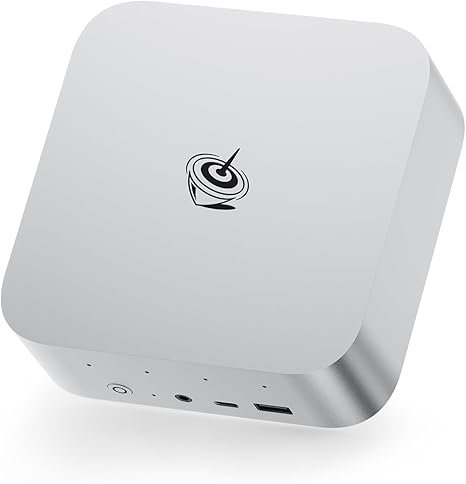
Beelink SER9 Pro AI — Ryzen AI 9 HX 370 · AMD VCN · AV1 Decode · 4K HDR Tone Mapping
The best choice if you want Plex running invisibly in the background while using the machine as a full daily desktop — with AV1 hardware decode and proper 4K HDR tone mapping via Radeon 890M.
The Beelink SER9 Pro AI moves Plex to a different level. AMD VCN handles H.264, H.265, and crucially AV1 hardware decoding — increasingly used in high-quality content. The Radeon 890M iGPU enables proper 4K HDR tone mapping in Plex, converting HDR10 content cleanly for non-HDR displays — something Intel UHD handles poorly. For users with a 4K HDR library streaming to mixed HDR/non-HDR devices, this is a real practical improvement.
The 12-core Ryzen AI 9 HX 370 means Plex runs completely invisibly in the background while you use this as your main computer — the N150 picks above are not comfortable daily desktops. The trade-off is power consumption: ~20W idle vs. ~10W for the N150 machines, adding ~$13/year to the electricity bill. If this doubles as your main PC, the cost difference is irrelevant.
✓ Pros
- AV1 hardware decode — future-proof codec support
- 4K HDR tone mapping via Radeon 890M
- 12-core CPU — Plex invisible as background task
- Beelink — most trusted mini PC brand
- Wi-Fi 7 — fastest wireless connectivity
✕ Watch out for
- ~20W idle — 2× more expensive than N150 to run 24/7
- Soldered LPDDR5 — 32GB ceiling, no upgrade
- Single 2.5GbE (not dual)
#5 — Peladn HO5: Best for Plex + Future eGPU Upgrade
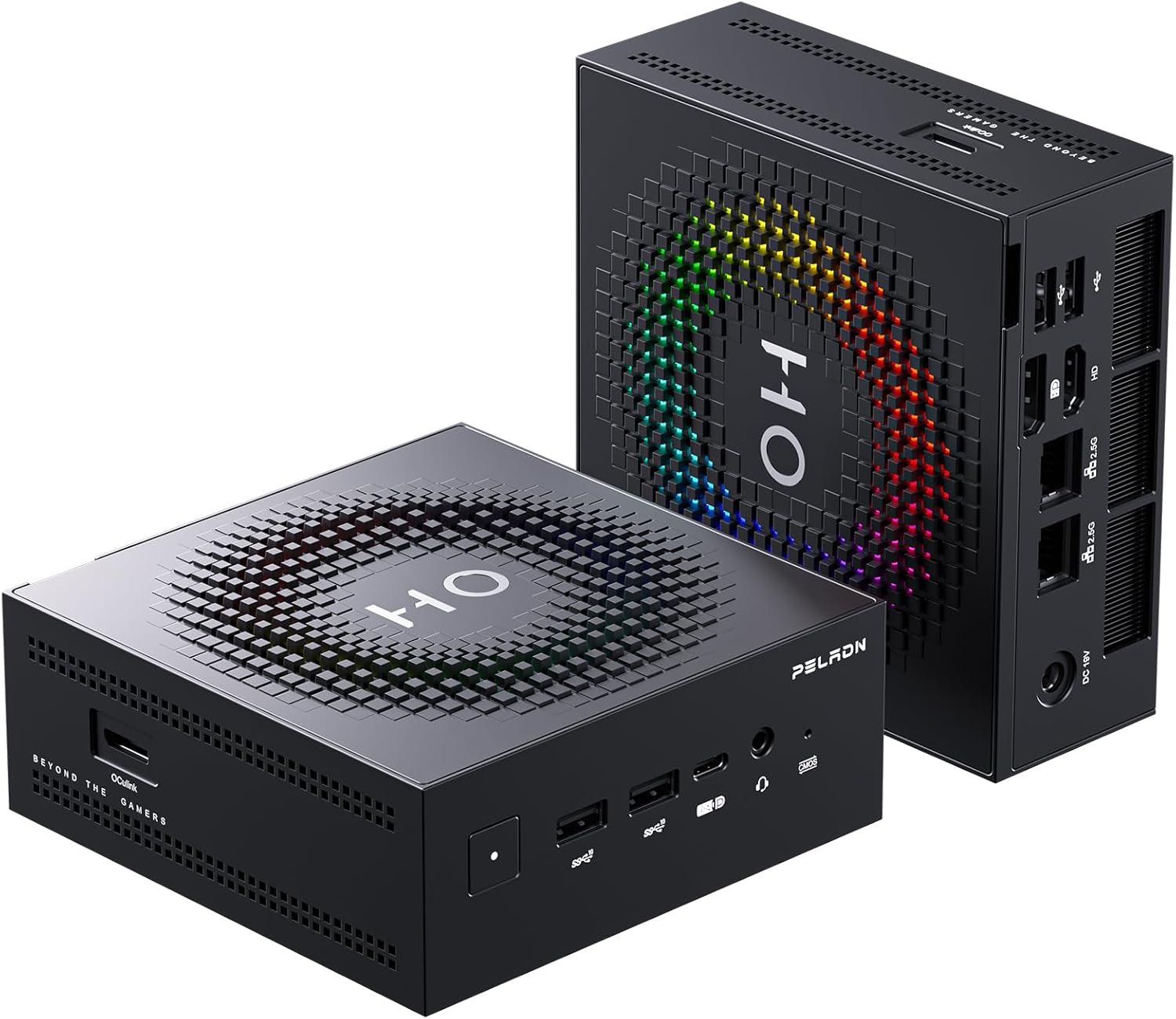
Peladn HO5 — Ryzen AI 9 HX 370 · Dual 2.5GbE · OCuLink · Wi-Fi 7
Same Plex and desktop performance as the SER9 Pro AI — with dual 2.5GbE for NAS power users, and OCuLink to add a discrete GPU for NVIDIA NVENC transcoding if your library ever outgrows the iGPU.
The Peladn HO5 shares the Ryzen AI 9 HX 370’s Plex capabilities with the SER9 Pro AI above. The two differences that matter: dual 2.5GbE — giving you a dedicated high-speed NAS link alongside your internet connection, ideal for power users with large libraries — and the OCuLink port, which provides PCIe-speed connectivity for an external GPU dock. If your library grows to include formats the Radeon 890M handles poorly, you can add a discrete NVIDIA GPU via OCuLink and gain NVENC hardware transcoding — something USB4 can’t match for sustained throughput.
✓ Pros
- Dual 2.5GbE — best NAS connectivity of any pick here
- OCuLink — add discrete GPU for NVENC if needed
- AMD VCN + AV1 + 4K HDR tone mapping
- Wi-Fi 7 — fastest wireless
- Full daily desktop capability alongside Plex
✕ Watch out for
- ~20W idle — costlier than N150 for dedicated server
- Peladn less established than Beelink
- Soldered RAM — 32GB ceiling
Annual Power Cost — Running 24/7
A Plex server runs around the clock. Power draw matters financially — every extra watt costs money over months and years.
| Mini PC | Idle Draw | Annual cost (24/7 @ $0.15/kWh) | Under active transcode |
|---|---|---|---|
| Beelink EQ14 (N150) | ~10W | ~$13/year | ~15–20W · $20–26/year |
| GMKtec NUC Box G3 Plus | ~10W | ~$13/year | ~15–20W · $20–26/year |
| GEEKOM Air12 (N95) | ~12W | ~$16/year | ~18–25W · $24–33/year |
| Beelink SER9 Pro AI | ~20W | ~$26/year | ~35–50W · $46–66/year |
| Peladn HO5 | ~20W | ~$26/year | ~35–50W · $46–66/year |
| Desktop PC (for comparison) | ~80–120W | ~$105–$158/year | ~150–250W · $197–$328/year |
How to Set Up Plex on a Mini PC — 6 Steps
From a fresh Windows install to your first stream takes about 20–30 minutes. Here are the essential steps.
\\NAS-IP\movies). Plex scans and automatically fetches metadata for everything it finds.Frequently Asked Questions
Power draw figures are estimated from published Intel and AMD TDP specifications and community measurements. Transcoding capabilities are based on published Intel Quick Sync and AMD VCN codec support documentation. This article contains affiliate links — we earn a commission on qualifying purchases at no extra cost to you.